Cisco 851W: Configure a wireless LAN
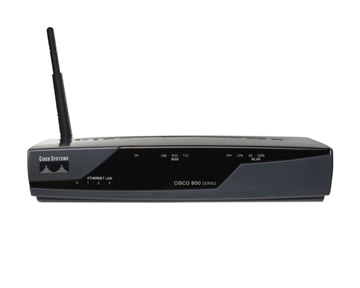 While preparing a Cisco 851W router for a SOHO installation, I ran into a few issues. I tried the HTTP interface but soon found that it was not the right approach for me. I had configured many switches, routers and access points, but never an integrated device like the 851W.
In the default configuration, VLAN1 had a static IP address in the 10.x.x.x range. I changed that address and started configuring the wireless LAN before moving on to NAT and VPN. After two hours of trying different configurations, I got it working.
| |
Resolve the interface and DHCP issues
I tried assigning static IP addresses to both BVI1 and VLAN1, but they overlapped. I then removed the IP address from VLAN1 and assigned it only to BVI1. This got the wireless LAN working with a WPA key and DHCP enabled.
One issue remained: a device connected to ports Fa0 - Fa3 did not receive an address from the DHCP pool. I found a post about assigning a bridge-group to VLAN1. That worked, and I am now almost finished configuring the router.
The Cisco 851W example configuration shows the configuration I used for my router.