Windows Server 2008 Core: Activate the license with a script
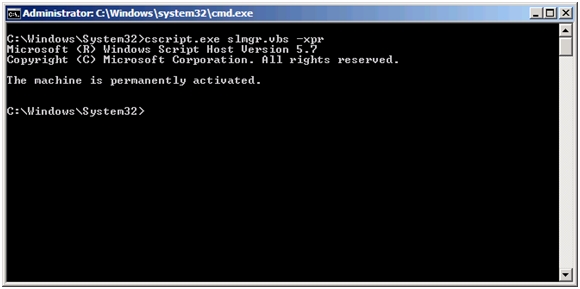
Windows Server 2008 Core does not offer the usual graphical controls for activating the server. Use the script below with your own license key.
- Open Notepad from a command prompt: notepad license.cmd.
- Paste the code below and replace the placeholder with your license key.
- Save the file and run the CMD script.
| |