Windows 10: Using Client Hyper-V
Client Hyper-V is available in the Pro and Enterprise editions of the Windows client operating system. It lets me run a virtualization host locally to create operating system images, build App-V packages and test software. I like having my VMs with me, being able to connect USB disks and working without performance issues on my fast Intel SSD.
Client Hyper-V is the virtualization technology built into Windows 10 and Windows 8.x. It is the same virtualization technology previously available only in Windows Server. Client Hyper-V enables you to run more than one 32-bit or 64-bit x86 operating system at the same time on the same host computer.
The Microsoft Download Center has more information:
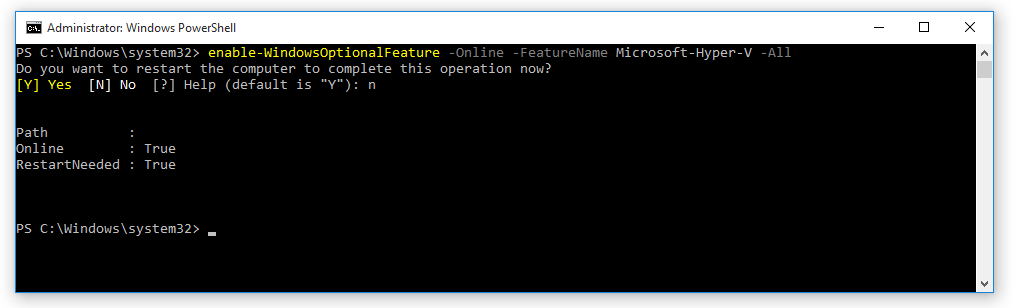
Enable Client Hyper-V
| |