CactiEZ 0.3: Install the appliance in VMware Workstation
In this tutorial, I show how to install the CactiEZ appliance as a virtual guest in VMware Workstation. After installation, the guest is portable and can be moved to VMware Server. If you have not used this open-source monitoring tool before, this is a way to get started.
Cactiusers.org describes the appliance as follows:
CactiEZ is the fastest possible way to get up and running with Cacti. CactiEZ is an auto-installing CD based on CentOS 4.3∞. The disk is a completely remastered CD (from the 4 CD version, not the Server CD) and stripped down to the bare essentials (no GUI). The CD weighs in at roughly 355 Megs, and installed is roughly 855 Megs. At only 305 packages, it still includes a preconfigured firewall (only allowing http, https, ssh, netflow, webmin, and remote Syslog).
Download and configure the virtual machine
Go to the Cactiusers.org downloads page and download the latest stable CactiEZ 0.3 appliance.
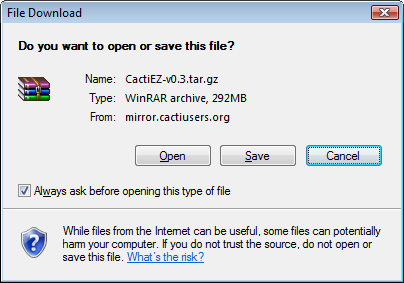
The zipped file is currently 292 MB. Save it and extract the files with your preferred tool. I use WinRAR, but 7z will also do the job.
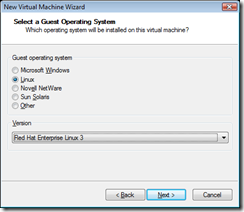
Create a new virtual machine based on Red Hat Enterprise Linux 3 and use the defaults. I assigned 64 GB to the virtual disk.
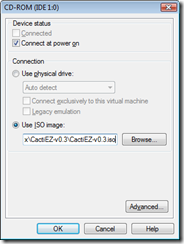
Open the CD-ROM drive properties and select the CactiEZ ISO file.
Install and sign in
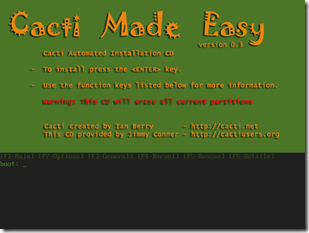
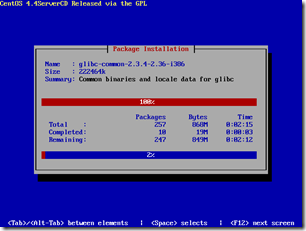
Start the virtual guest and press Enter to begin installation. My installation took three minutes.
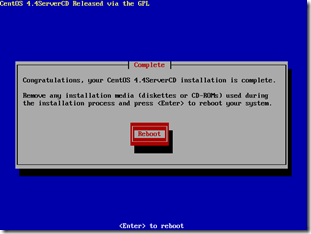

Sign in with root/CactiEZ, then change the password with the passwd command. My rule of thumb is to always change default passwords.
The following command shows all listening ports on the appliance:
| |
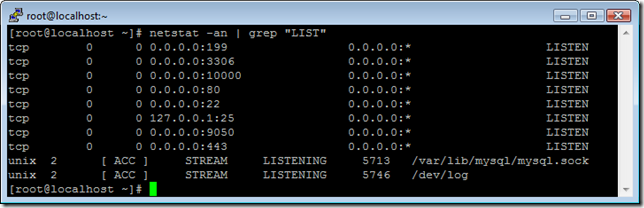
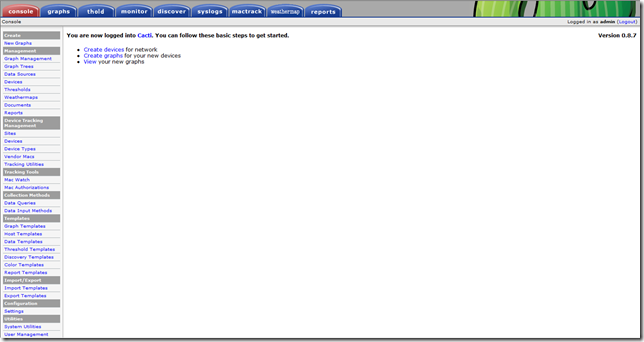
22 (SSH), 80 (HTTP), 443 (HTTPS) and 10000 (webadmin) are important TCP (L4) ports. Go to http://ipaddress, sign in with admin/admin and change the password.
Cacti is ready for use.
See the CentOS and VMware Tools post for instructions on installing the tools from an SSH shell.
6 comments
Comments from the original WordPress site, kept read-only.
tks
Thanks very usefull guide, worked like a charm
tengz great brother.,
how to monitoring a device brother?
device : router n switch
regards
Just had to install cactiez on vmware.
and I want to add elert cacti via sms, modem permasalhannya unreadable to vmware.
can you please help me
GRACIAS AMIGO!!!!!!!!!!!! FUNCIONA EXCELENTE
THANKS MY FRIEND WORK EXCELENT!!
i dont know how to go to Go to
" http://ipaddress and login with admin/admin. Change the password." i stuck there..please help me