Office 2007: Microsoft Save as PDF or XPS
Microsoft Office 2007 has a free PDF or XPS converter available from Microsoft's website. It is easy to install and lets you convert documents into either format without an additional PDF printer or converter.
Download SaveAsPDFandXPS.exe from Microsoft.

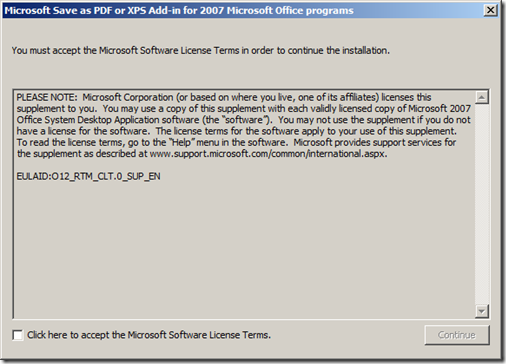
Run SaveAsPDFandXPS.exe, accept the Software Terms and click Continue.
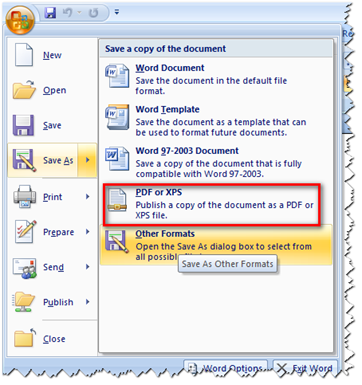
Click the Office button, select Save As and choose PDF or XPS.
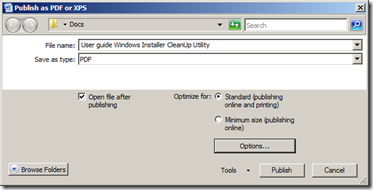
That is all, and it is free. If you put SaveAsPDFandXPS.exe in the installation folder named "Updates", it will be installed automatically as part of the installation routine. As far as I remember, Microsoft was not allowed to include it by default, so users have to download the binaries from the internet first.
1 comment
Comments from the original WordPress site, kept read-only.
It will not install automatically if you put it in the "Updates" folder, that folder will only work for *.MSP files.