HP Lights-Out Online Configuration Utility (HPONCFG)
The motherboard in one of the HP ProLiant ML370 G4 servers was recently replaced because of faulty hardware. iLO was not reconfigured afterwards and was no longer reachable at its old IP address.
Last weekend, we had Active Directory problems, and none of the domain accounts could log in through RDP. The operations team tried the iLO web interface, but that also failed.
Today I found the iLO address with the HP System Management Home Page tools. I tried the known password, but authentication failed. When these servers were deployed a couple of years ago, there was a BIOS option to reset iLO and change its IP and username settings. I do not want to reboot and reconfigure iLO manually from the console.
HP provides the HPONCFG command-line tool for this. Download HPONCFG or search for it on Google.
HP Lights-Out Online Configuration Utility (HPONCFG)
Version 1.5.2.0Description
-----------HP Lights-Out Online Configuration utility is a command line utility used to configure
iLO, iLO 2 and RILOE II from within the Windows operating systems without requiring a
reboot of the server.
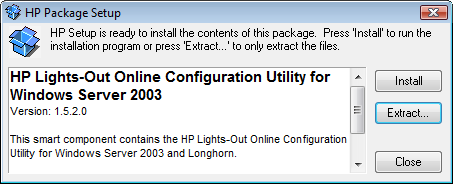
I cannot show screenshots of HPONCFG.exe because the server is managed by a third party. After installing cpqsetup.exe on the server, you should be able to configure the iLO board.

4 comments
Comments from the original WordPress site, kept read-only.
Nice Information.. Thx for sharing this
information
any idea about UNIX servers.
It is available for different Linux-variants, so it's not Windows only.
We configure the Ilo by reconfiguring it with a XML-file as config-input.
Yeah, just worked on HPONCFG to configure iLO of our brand new Gen8 Server.