Nero Linux 3 on Ubuntu 8.04
Over the last two weeks, I have become an Ubuntu fan, but I miss some of my Windows applications. Nero is one of them. Fortunately, Nero has also ported its burning software to Linux. Download the trial from Nero.com.
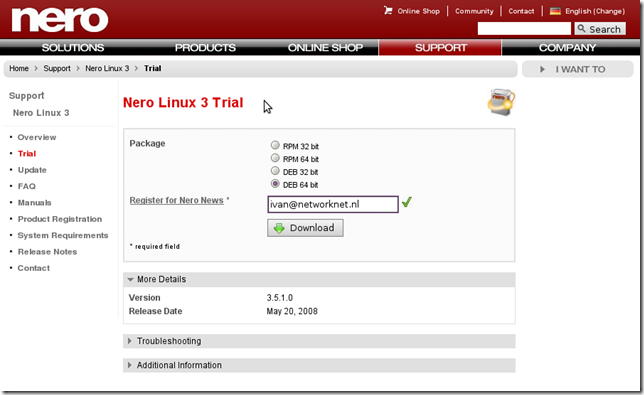
Open a terminal and use dpkg to install the Linux version of Nero Burning ROM:
| |
Open Applications / Sound & Video / Nero Linux to start it.
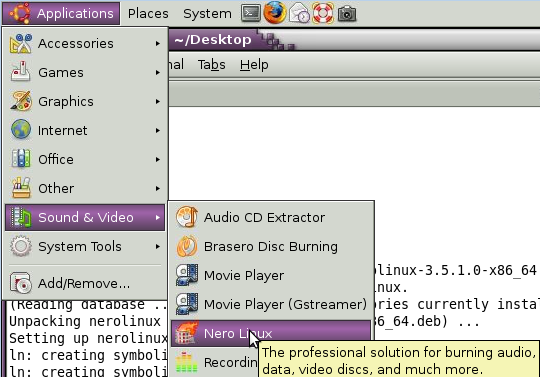
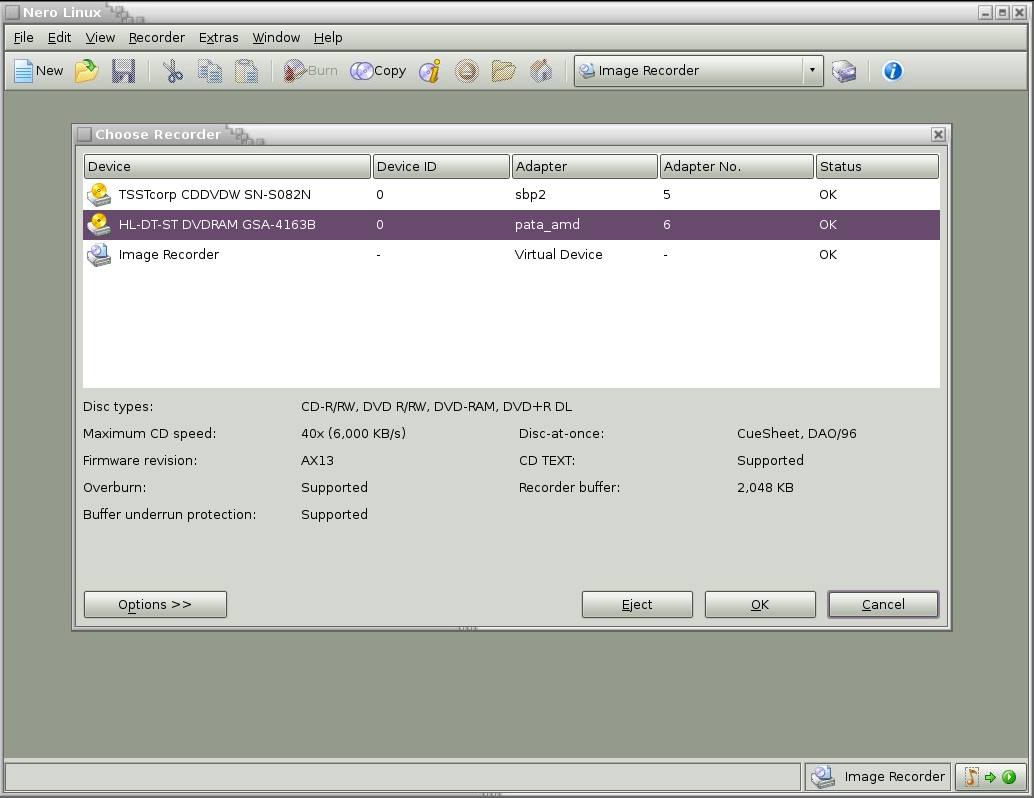
That was straightforward. Compare it with installing Nero on Windows: first there is a 100MB+ installer, followed by the complete suite of tools. With the Linux installation, I get what I want.
2 comments
Comments from the original WordPress site, kept read-only.
Amazing Amazing.
Fantastic software, the best i ever saw.
Kind regards,
Hans Stad Sr. Consultant
Did you transfer your window's license? I'm dumping Windows completely and forcing my family to use Ubuntu (heh heh) and I (actually) own a Nero 9 license for Windows. Did you have a legit Nero copy for Windows? Did you buy the linux version, or were you have to transfer the license? Since I paid for a windows copy, I'd really rather not have to pay again for the linux version even if it is pretty cheap when I'm not going to use the Windows copy I already paid for.