Windows Vista SP1: Installation failure (KB936330)
Update: 2008/03/20
More people are finding this post while searching for this KB article. I published it after trying to install SP1 during testing, before the public release. Unfortunately, I could not install SP1, most probably because of the software I had installed. For problems from now on, go directly to the Microsoft support article.
Update: 2008/04/08
Thanks to www.ghacks.net and their post, you can download a CMD script that removes a couple of registry entries checked by Windows Vista SP1. Download and run the script, reboot, and return to the Windows Update website.
Original installation attempt
Go to http://connect.microsoft.com and download the service pack. You should participate in the "Windows Beta Programs".
Download the SP1 version you need. I downloaded x86; it took 20 minutes over a 2MB SDSL line. Start Windows6.0-KB936330-X86_wave0_SPInstaller.exe and allow it to run if UAC is enabled.
These are the screenshots I took during installation. It may be worth checking Google for Vista SP1 issues. I read a couple of posts about problems when BitLocker was enabled and Vista was upgraded to SP1: encrypted files were no longer accessible after an uninstall.
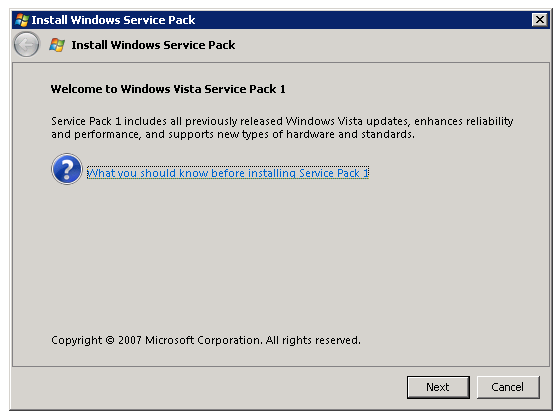
Screen clipping taken: 11/29/2007, 12:03 PM
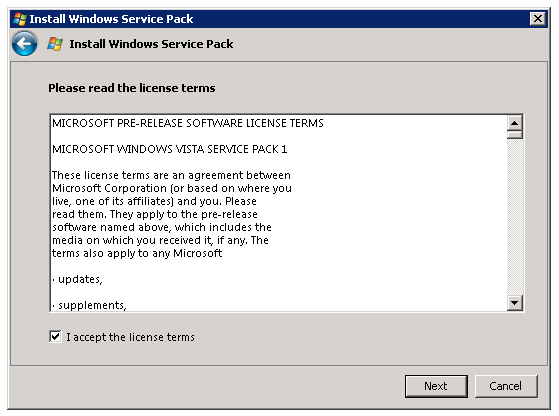
Screen clipping taken: 11/29/2007, 12:03 PM
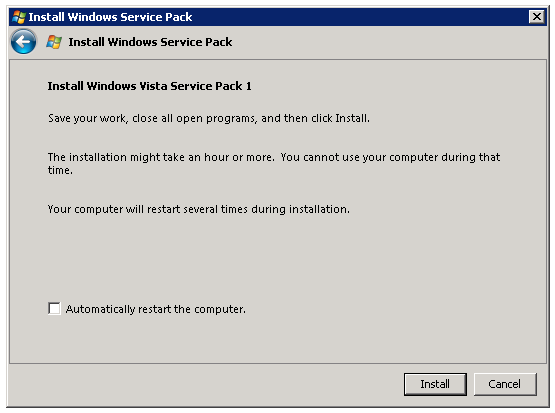
Screen clipping taken: 11/29/2007, 12:03 PM
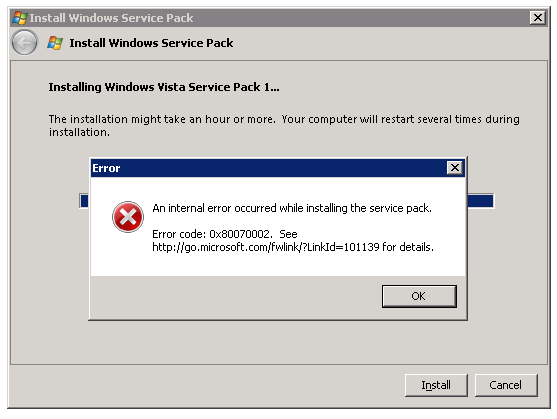
Screen clipping taken: 11/29/2007, 12:17 PM
I then returned to my own notebook and ran SP1 again. I had reinstalled this PC two weeks earlier with a new ISO downloaded from the Connect website. The installation ran for more than 90 minutes before I killed the process. There were no error messages this time, but there was still no upgrade.
3 comments
Comments from the original WordPress site, kept read-only.
follow the guide on this webpage for sp1
please note all previous sp1 installations MUST be deleted
this is what i used and its great
u.z
http://www.ghacks.net/2007/12/06/download-windows-vista-sp1-rc1/
Do i need to backup my file To install the update?