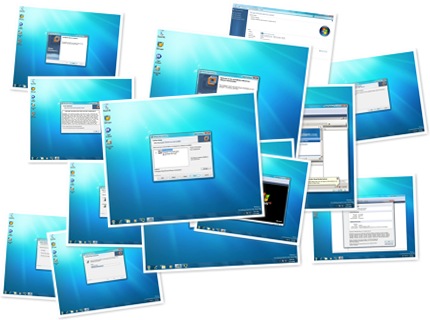
Windows 7 Beta: First impressions and VMware Workstation
Two and a half years after Windows Vista's release, I am impressed by the first public beta of Windows 7. Installation went smoothly on one VM and two physical systems: a Lenovo ThinkCentre M57 and my ASUS home system. I am looking forward to the final release.
What’s new in Windows 7?
- Improved taskbar and full-screen previews
- Jump Lists
- New ways to work with Windows
- Internet Explorer 8
- Windows Live
- Better device management
- HomeGroup
- Faster, more responsive performance
- Extended battery life
- Theme packages reflect your style
- Take control of problems
- Share music and videos
- Windows Touch
- Handwriting recognition additions
- AppLocker
- BitLocker with enhanced USB encryption
First experience with VMware Workstation
If you have not downloaded Windows 7 Beta, you can get it from Microsoft's beta download page. I also wanted to share my first experience with VMware Workstation version 6.5.1, build 126130. It was straightforward to install and use.
The installation went smoothly, and I was running my VMs within minutes.