Software packaging: Internet Explorer 8
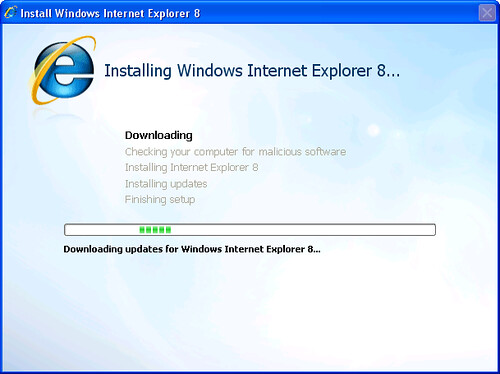
 Here is the command I used in a cmd script to install Internet Explorer 8. I ran the script manually, but it can also be used to deploy the package through software distribution.
IE8-WindowsXP-x86-ENU.exe /passive /nobackup /norestart
The script installs IE without user interaction, creates no uninstall package and does not reboot the system. To hide the installation window, add "/quiet". For more information, see the Microsoft article.
4 comments
Comments from the original WordPress site, kept read-only.
Internet Explorer 8 is as stable as Opera and Firefox. it does not crash a lot like IE7.
i am pretty much satisfied about the features and stability of Internet Explorer 8. it is much better than IE6 or IE7.
Internet Explorer 8 seems to be the best browser for me. I can open more than 20 windows simultaneously without crashing. IE7 and IE6 is unstable that if you open more than windows at a time it just freezes or causes the blue screen.
What about IE8 updates? How can we install those w/o leaving messy install remnants in computers, or being hounded by MS to install when it's already there?