Exchange 2010: Installation screenshots
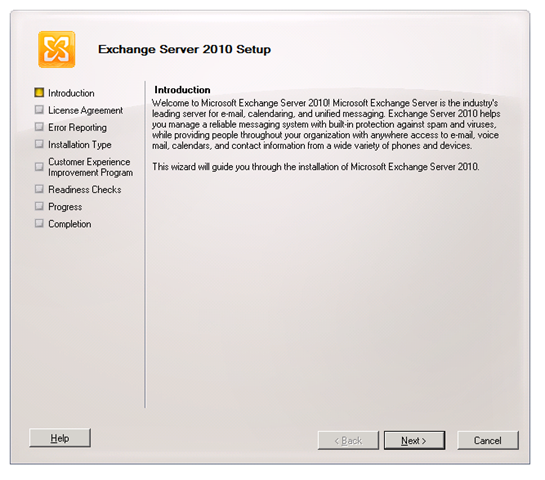
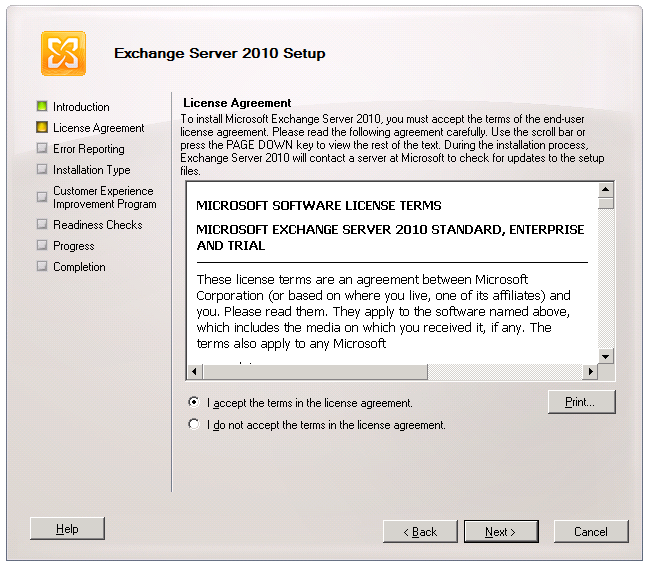
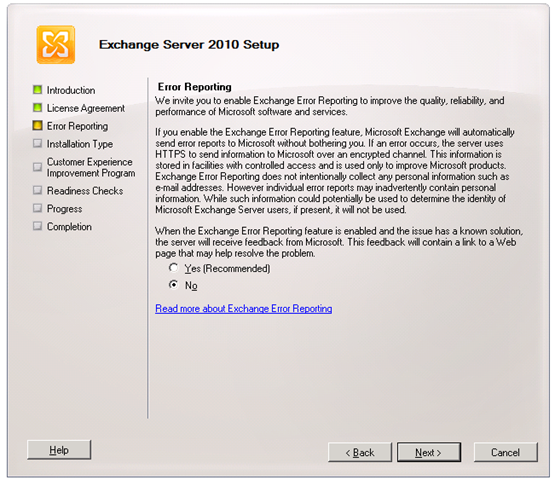
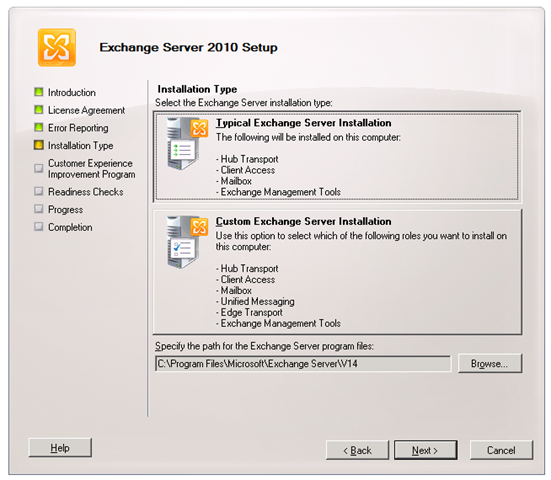
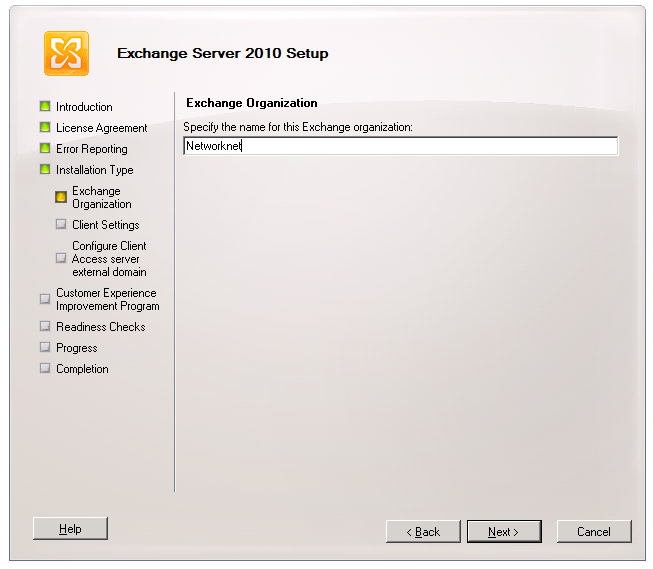
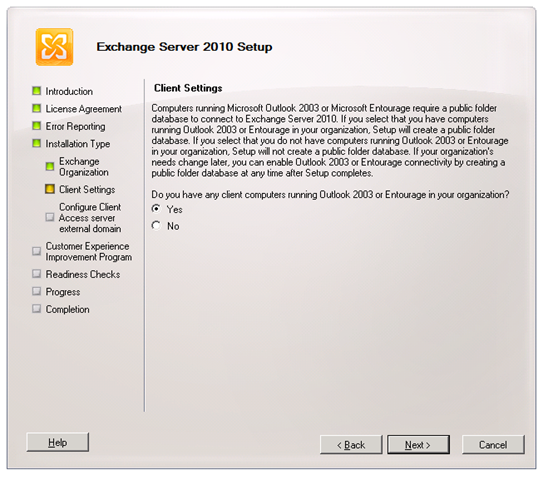
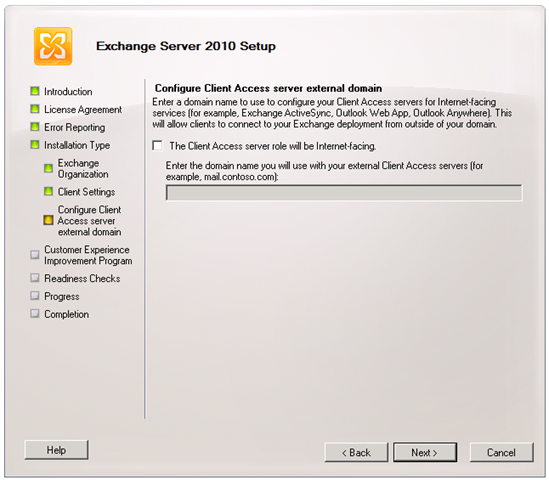
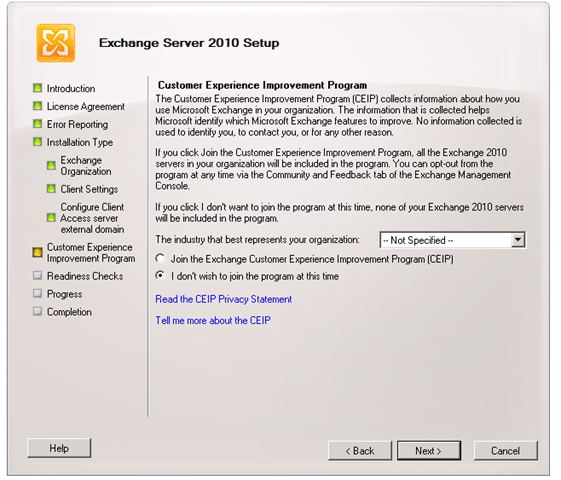
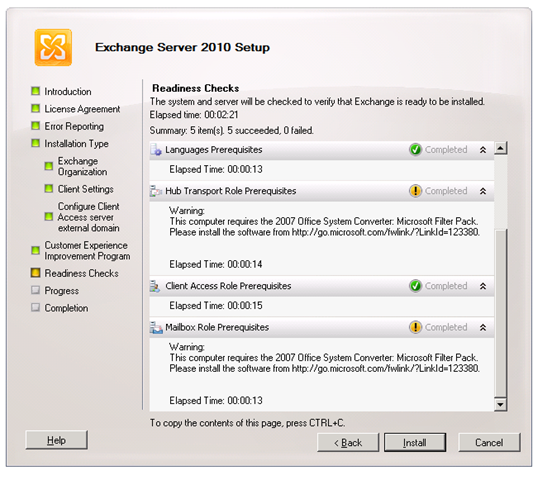
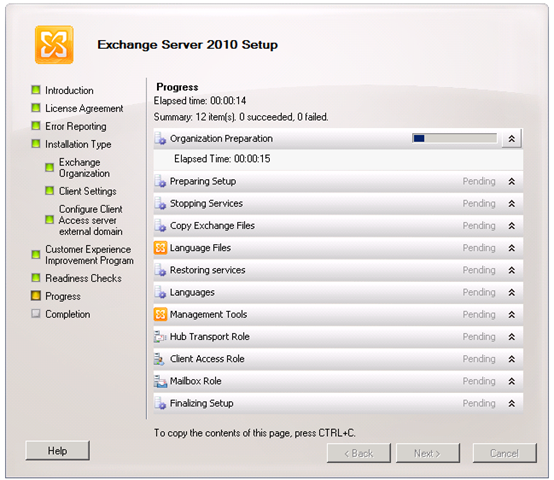
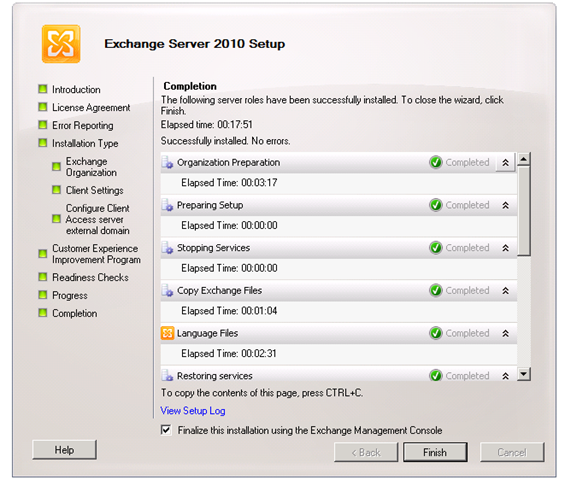
These screenshots show the graphical setup steps for installing Exchange 2010 Server on a Windows Server 2008 R2 virtual machine.
Install the prerequisites
Before installing Exchange 2010, install and enable IIS and the required features.
Follow these steps:
- Start Windows PowerShell.
Code1 line 1Import-Module ServerManagerCode1 line 1Add-WindowsFeature NET-Framework,RSAT-ADDS,Web-Server,Web-Basic-Auth,Web-Windows-Auth,Web-Metabase,Web-Net-Ext,Web-Lgcy-Mgmt-Console,WAS-Process-Model,RSAT-Web-Server,Web-ISAPI-Ext,Web-Digest-Auth,Web-Dyn-Compression,NET-HTTP-Activation,RPC-Over-HTTP-Proxy- Restart the server.
- Open Windows PowerShell again and run:
Code1 line 1Set-Service NetTcpPortSharing -StartupType Automatic
Run Setup
1 comment
Comments from the original WordPress site, kept read-only.
Can you please share screenshots for the settings of your Exchange virtual machine?