Altiris Software Virtualization Agent installation in 5 minutes
This tutorial will guide you how to download and install the Altiris Software Virtualization Agent for Windows 2000, Windows XP, Windows 2003 and Windows Vista (32bit).
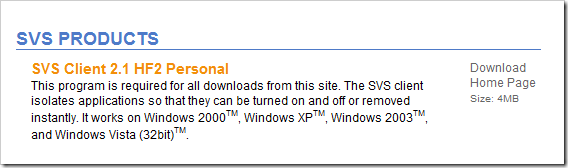
Go to http://www.svsdownloads.com/ and click download on the SVS products for SVS Client 2.1 as shown below.
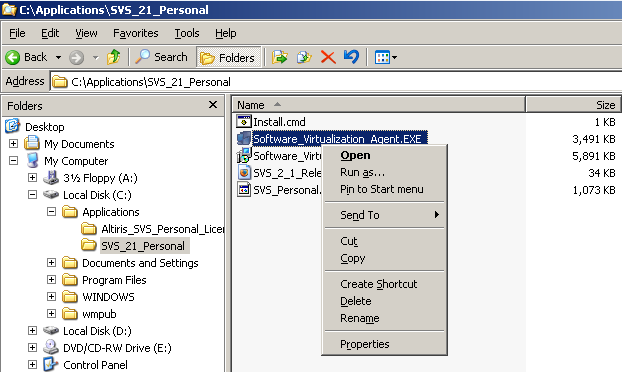
After the file been downloaded; locate the zip file and extract the files. Go to the extracted folder and start Software_Virtualization_Agent.exe as shown below.
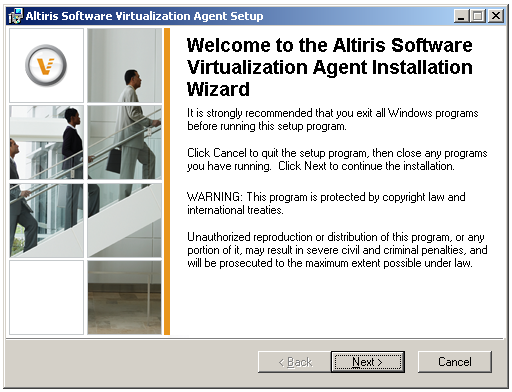
Click Next
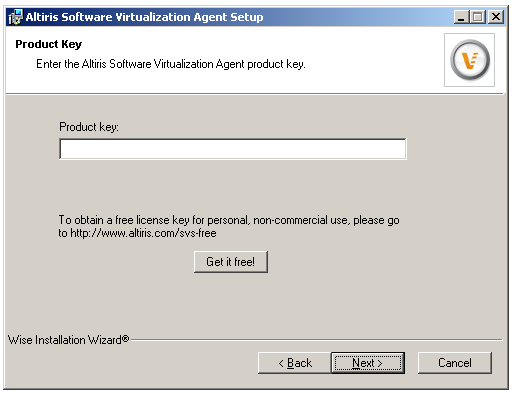
Click "Get it free!" button and get your free serial number. Open the license text file and paste the key.
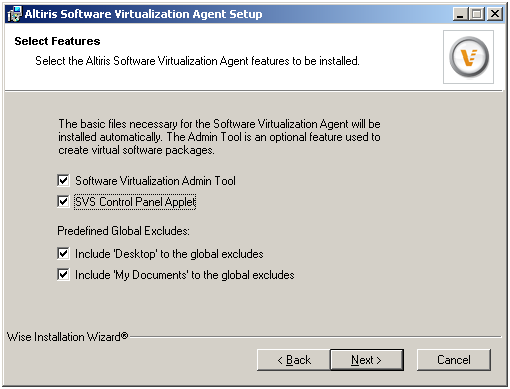
Check "Software Virtualization Admin Tool" and "SVS Control Panel Applet"; click next to proceed.
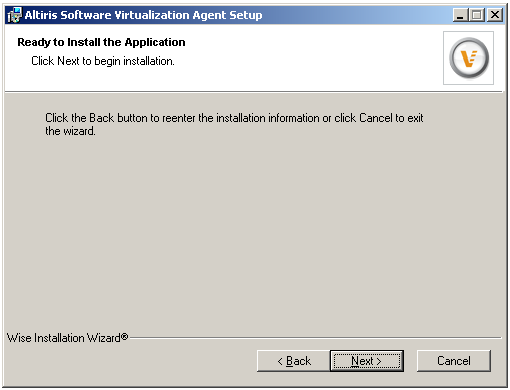
Click Next
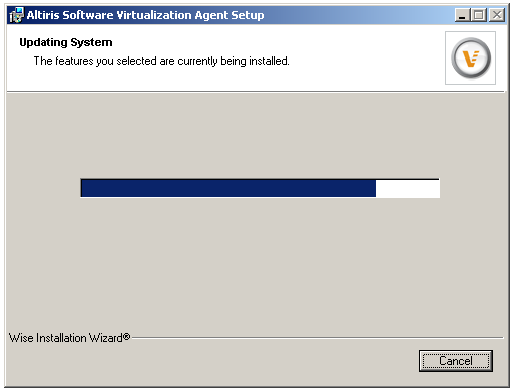
The agent is being installed now.
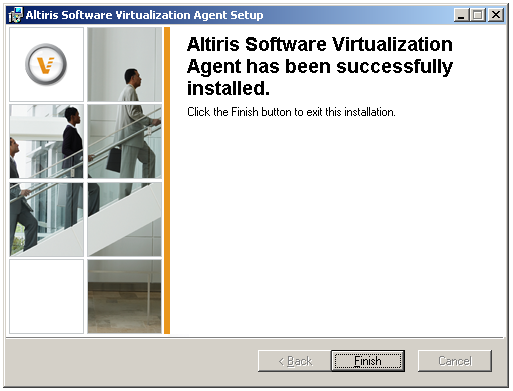
Click Finish
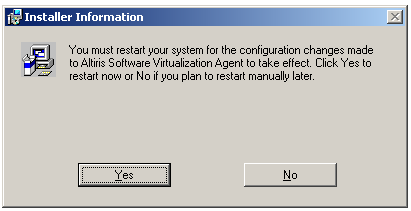
Click Yes and reboot the computer system.
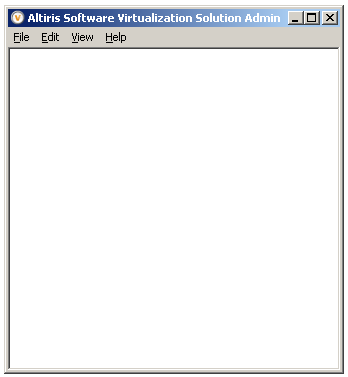
After the system has been reboot; go to Start Menu and locate Altiris SVS Admin shortcut.