Mac OS X: Export fonts with Font Book
I needed to export some fonts from a web design project. I had created the logo in Photoshop on my iMac, but I had never exported fonts on Mac OS X before. On a Windows PC, I would copy the font files from C:\Windows\Fonts.
Export the font
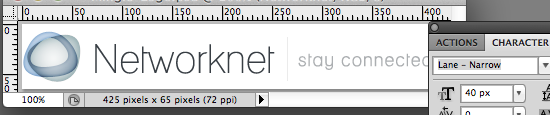
I wanted to export the font from my Networknet logo and share it with others. In Photoshop, I checked which font I had used: "Lane - Narrow".
On the Mac, open the Applications folder and start Font Book.
Open the User collection and locate the font.
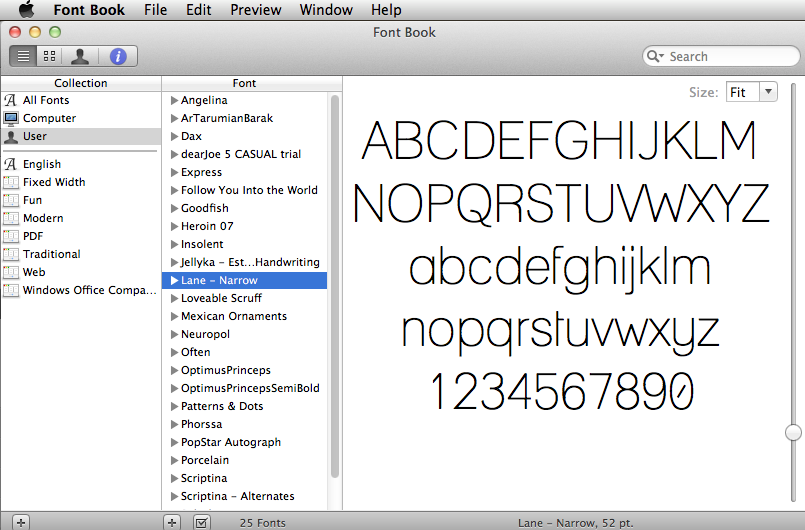
Open File and click Export Fonts. Choose a folder and click Save.
That's it. Open Finder and locate the folder.

If the font files are large, I would compress them into a ZIP file and email them if possible. Exporting them turned out to be straightforward on Mac OS X.