QNAP: Saying goodbye to my TS109
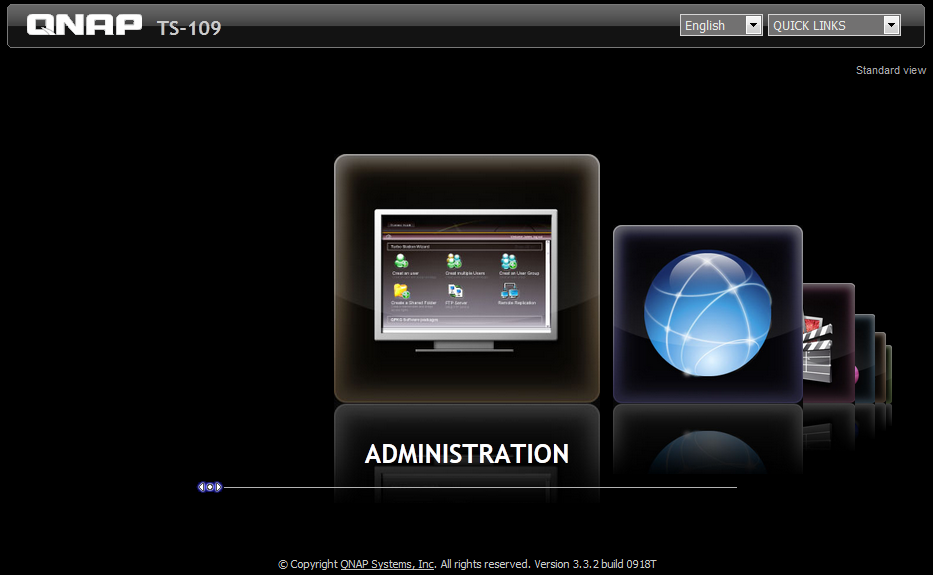
After six years, I am saying goodbye to my QNAP TS109. Last month, I decided to move to a Synology appliance, and today I am completing the data migration.
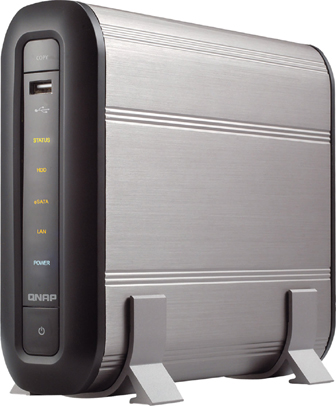
The TS109 ran for years without hardware problems, but I did not want to wait for its 500 GB Samsung drive to fail. It served as my home media gateway, and I will pass it on to my brother.
The last firmware update was installed in 2011, after the first version 3 release in 2009. I had problems with SABnzbd after that update. Using Nzbgetweb helped me keep the NAS in use for the past two years.
Reset the NAS
The appliance still works, and I am now performing a system reset.
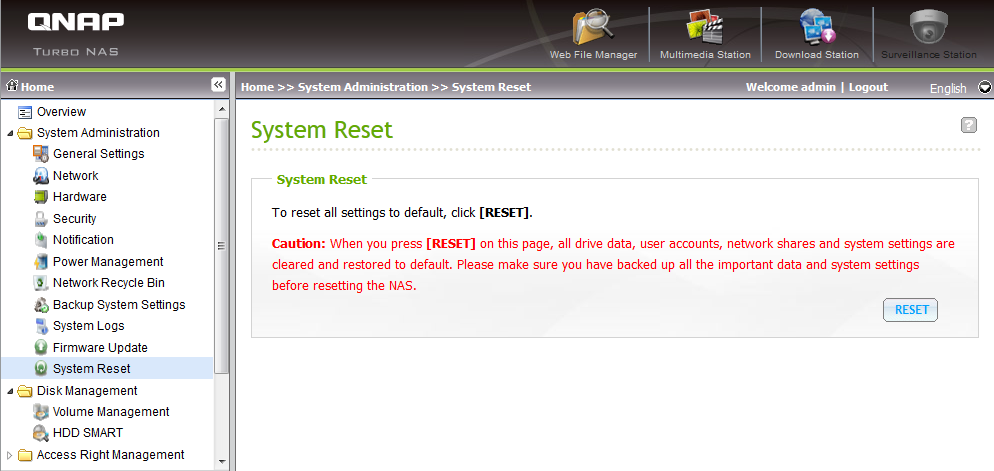
Caution: When you press [RESET] on this page, all drive data, user accounts, network shares and system settings are cleared and restored to default. Please make sure you have backed up all the important data and system settings before resetting the NAS.
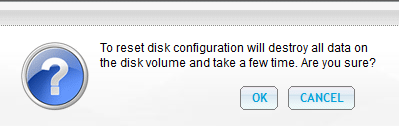
I confirmed the reset with OK.

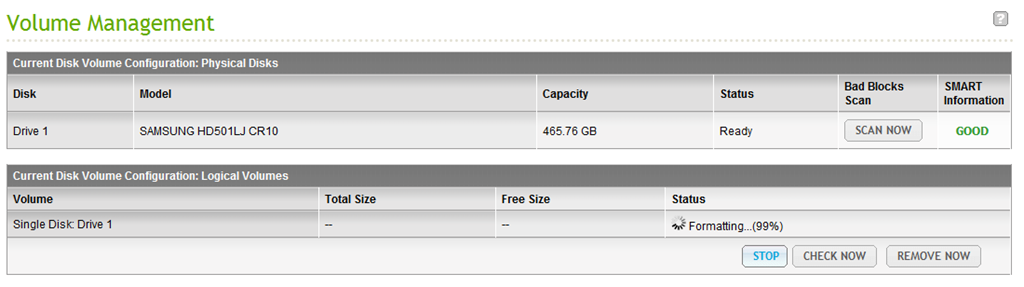
The drive was formatted and the settings returned to their factory defaults. I could then sign in with admin/admin and disable some services.