
Acronis: Schedule backups of personal files
For me, the new year starts with backing up important personal files to DVDs and other media. At work, I manually back up my PST files each month and zip them to save space on my USB disk. I last backed up my private data in January last year.
There are several products I want to evaluate: Windows Server 2008 is scheduled for release on 28 February 2008, and VMware ESX 3.5 came out just before Christmas. Before getting started with those, I want to review my backup routine.
I have been evaluating Acronis True Image, and this year I plan to use full and differential backups. I have already created a highly compressed 18 GB full backup archive of my personal files at home, encrypted with 256-bit AES.
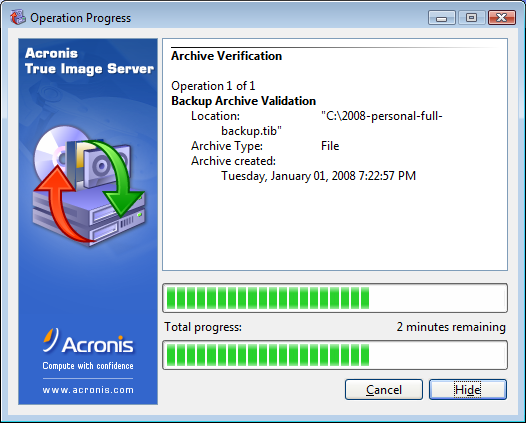
Verifying the archive took a couple of minutes. I am now ready to copy the large TIB file to my second SATA disk and my USB disk. I will schedule a task to back up changed files each month using a differential method based on the full backup archive.
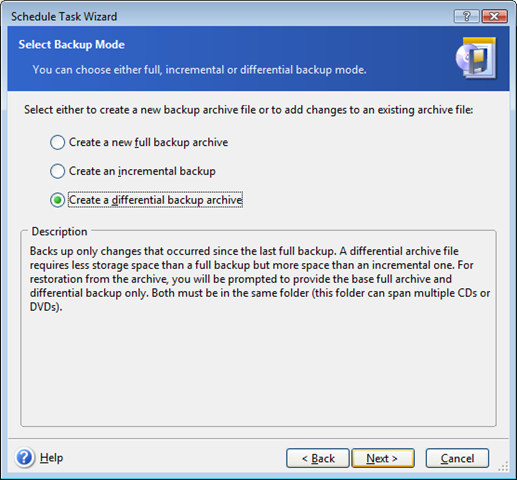
Acronis uses a different method from NTBackup for full and differential backups. The built-in Windows ntbackup.exe tool includes complete files that have changed since the initial full backup. Acronis backs up only the deltas (bits changed) within a file. This will keep the size of my monthly backups to a minimum.
For more information, visit the Acronis True Image website.