Windows Server 2003: Install the DHCP service with a script
The VMNet8 NAT network in VMware Workstation does not give me the control I want over DHCP clients and options in my lab. As a system administrator, I like to script tasks so I can reuse the code next time.
Install the DHCP service
Create a new file named c:\dhcp_server.txt with the following contents:
[NetOptionalComponents]
DHCPServer =1
Save the file, open a CMD command shell and run:
| |
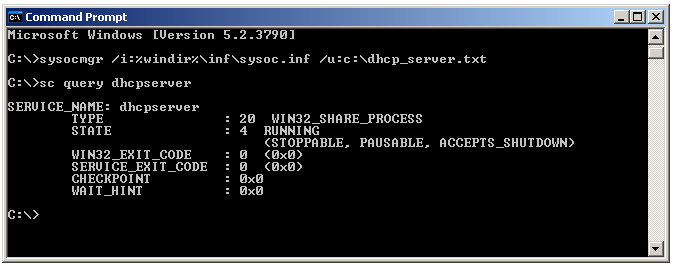
See the Windows Server component reference for additional components.