Hyper-V: Integration components installation error 61658
If you installed the wrong Hyper-V version, you may see the error below. I encountered it with binaries downloaded from the MSDN subscriber website.
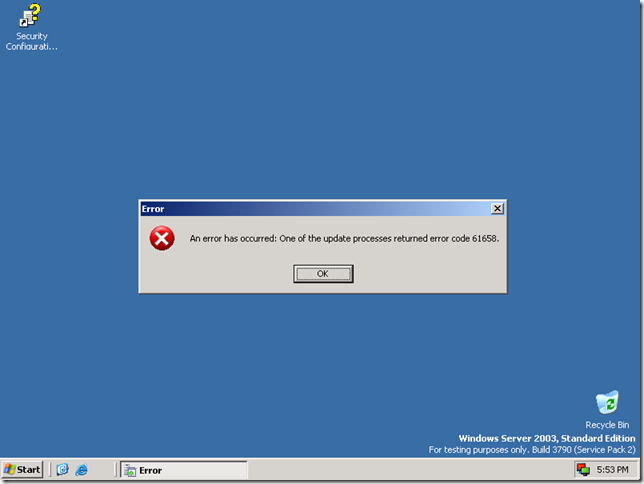
After inserting the Hyper-V integration components, installation stops with this error:
An error has occurred: One of the update processes returned error code 61658.
The error is related to the certificates used by setup. The certificates expired in November 2007, and the installation is still using the Hyper-V CTP version. Hyper-V RC1 no longer has an MSU installation after the server has been installed. See the explanation on MSDN Blogs for more information.
Download the correct version from Microsoft: 6001.17119.071210-1916_amd64fre_Server_en-us-KR1SXFRE_EN_DVD.iso.