Windows Server 2008: installing AD DS
When you install Directory Services for a Microsoft Windows network, it feels like installing the heart of a system that will come alive after the server reboots. Since Windows 2000, Directory Services has been the core component of the Windows network.

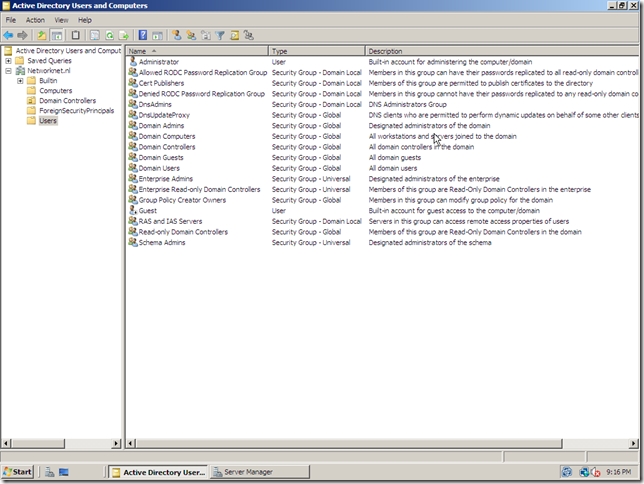
A couple of minutes ago, I finished my first AD DS (Active Directory Domain Services) domain controller installation on Windows Server 2008 RTM. The dcpromo wizard has a couple of new steps. See my AD DS installation gallery.
Windows Server 2008 AD DS improvements
Read-only domain controller (RODC)
Staged installation of an RODC
RODC filtered attribute set
Administrator role separation
Improved installation wizard
Generate secure installation media
Restartable AD DS
Auditing AD Ds changes
Fine-grained password policy
Dynamic MAPI ID Support
Data mining tool