Hyper-V RC0: upgrading with KB949219
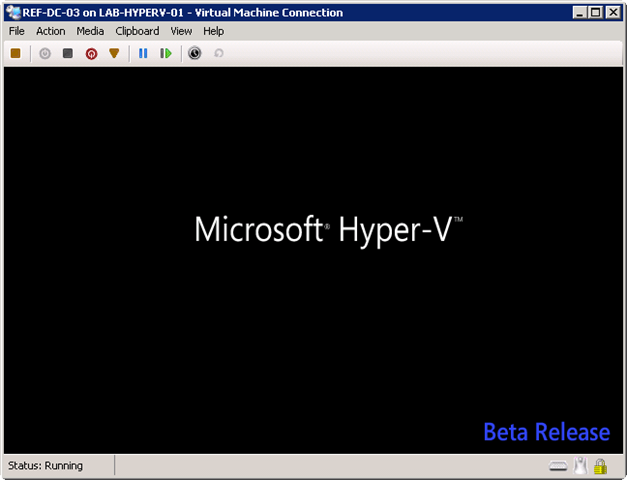
After Windows Server 2008 RTM was released, I downloaded it and made a DVD. I installed the Hyper-V beta release and started testing Microsoft's hypervisor.
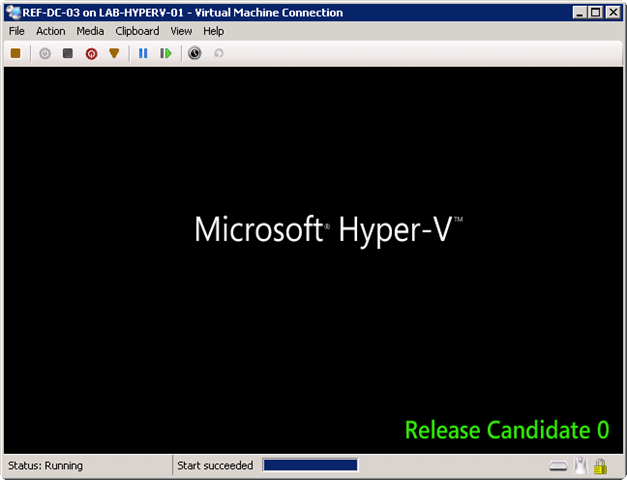
The Release Candidate 0 (RC0) update to the Hyper-V role provides improvements to security, stability, performance, user experience, forward compatibility of configurations, and the programming model. All users of the Hyper-V role are encouraged to apply this upgrade. After you install this item, you may have to restart your computer.
I downloaded Hyper-V RC0 from Microsoft.
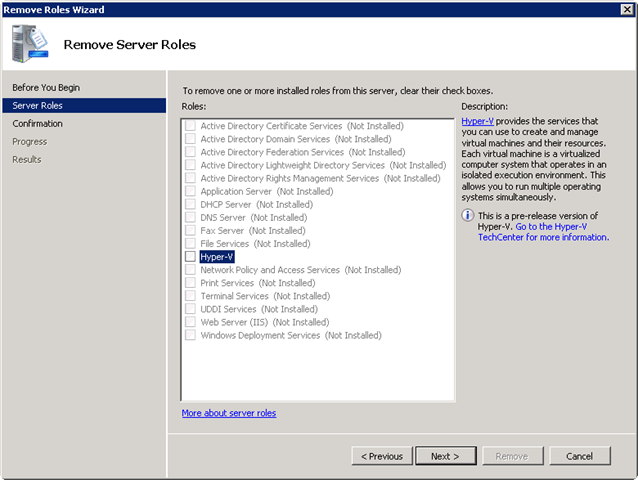
I uninstalled the existing Hyper-V role and rebooted. I then applied Windows6.0-KB949219-x64.msu and rebooted the server to finish the update. The hypervisor upgrade took 15 minutes.