
Exchange 2007 SP1 upgrade on Windows Server 2003 x64
With Active Directory fixed, I could start upgrading Exchange 2007 to SP1. The installation itself is straightforward, as the screenshots show. Getting its prerequisites in place was the frustrating part.
Requirements
- Active Directory replication must be working correctly.
- The Exchange 2007 server must have Windows Server 2003 SP2 installed.
- Microsoft .NET Framework 2.0 Service Pack 1 must be installed.
To meet these requirements, as described previously, I had to remove a domain controller running in a VM with dcpromo /forceremoval and metadata cleanup. That controller had not replicated for three months.
Upgrade process
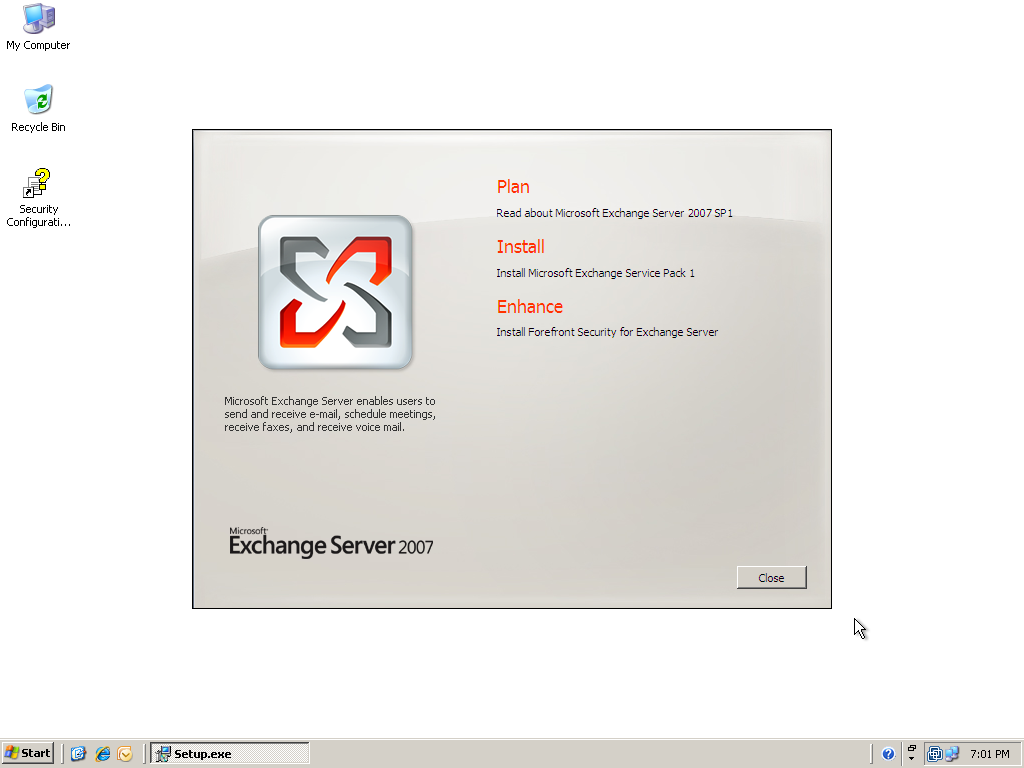
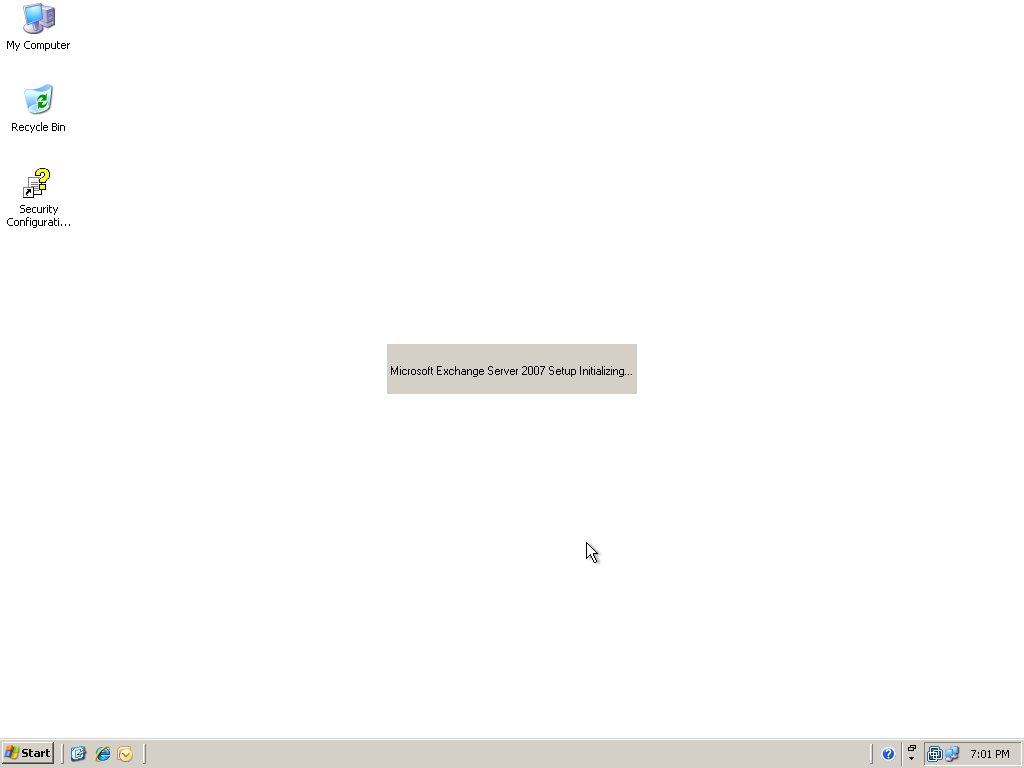
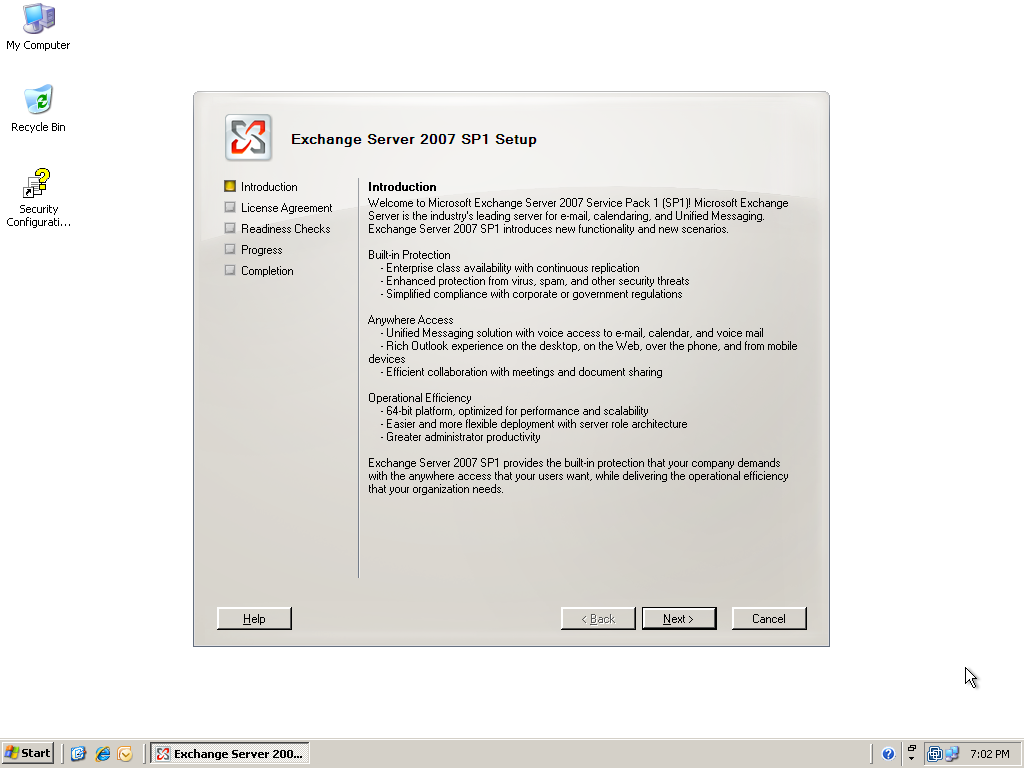
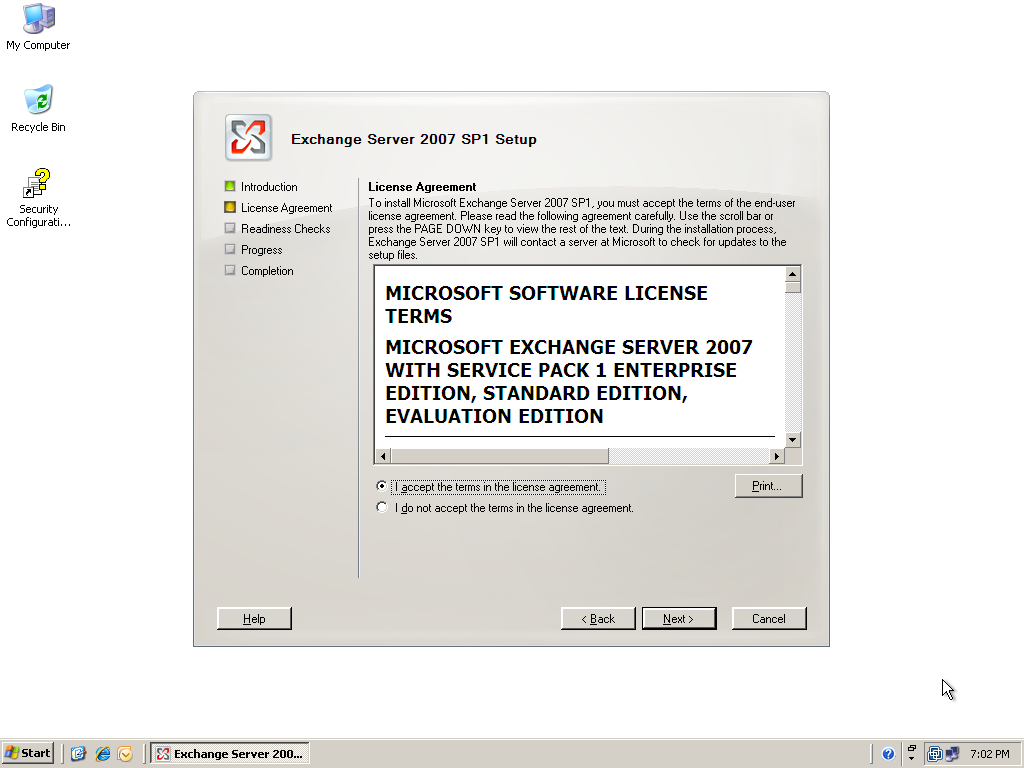
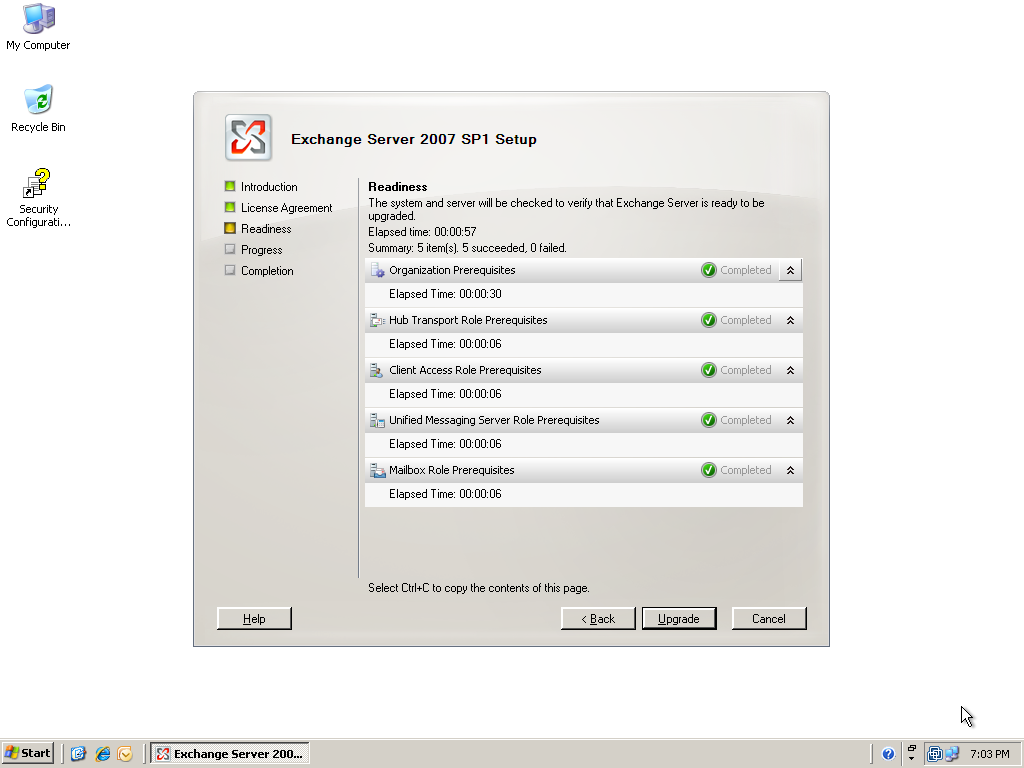
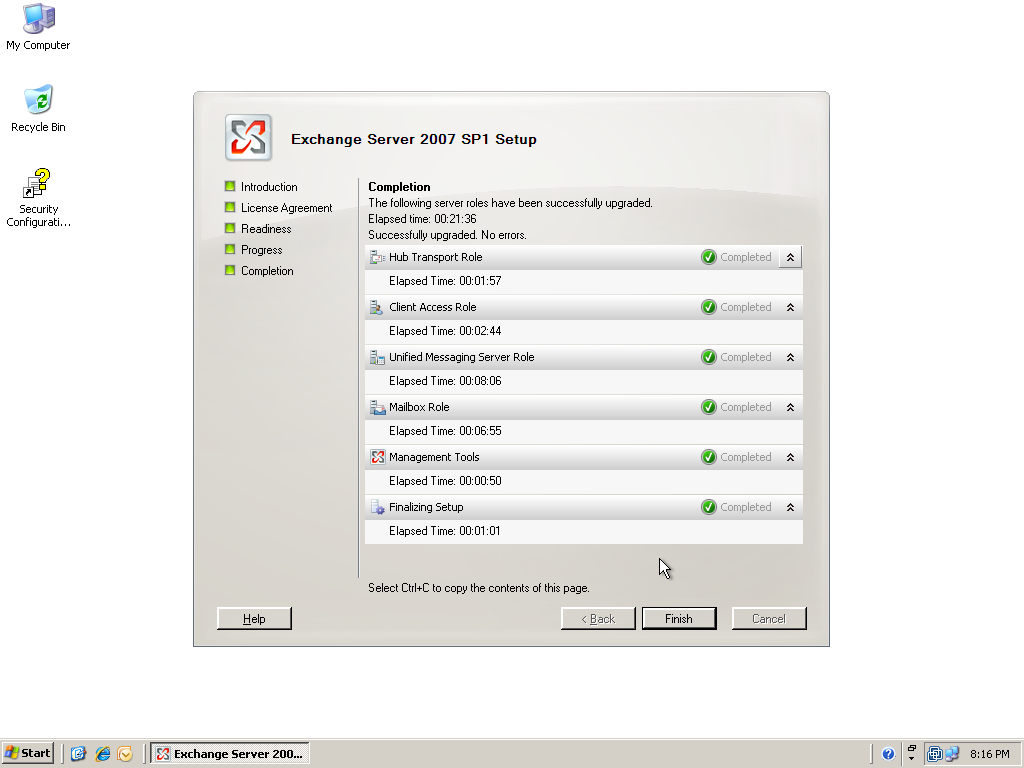
I used the GUI to illustrate the process. You can also upgrade from the command line:
Setup.com /mode:upgrade
See What’s New in Exchange Server 2007 SP1 on TechNet for all SP1 updates. I like the Windows Server 2008 integration, Exchange Management Console updates and OWA premium changes.