Active Directory: Clock skew on a virtual domain controller
When I opened “Active Directory Sites and Services”, I received this error:
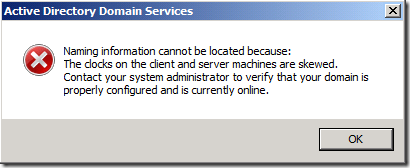
My Windows Hyper-V host is in a workgroup and is not synchronizing with an external NTP server. One of my domain controllers runs on this host, and I was having authentication problems.
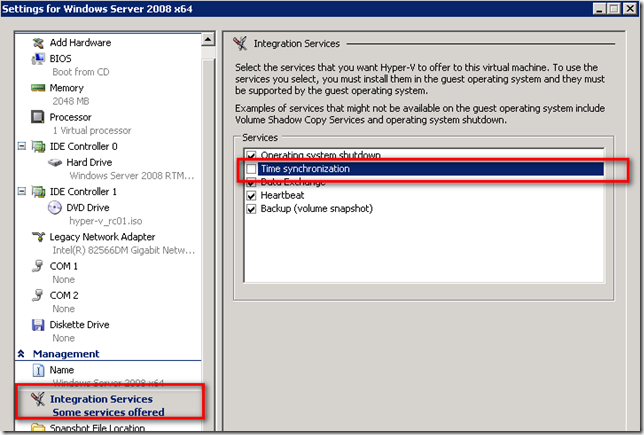
The best solution to this problem is to disable time synchronization between the host and VM.
In the Hyper-V management console, right-click the VM and open settings. Go to Integration Services and clear “Time synchronization”.
After the reboot, the domain controller synchronized its time.