Mount a Linux file system on Windows
I want to access my Linux volumes while running Windows Vista on my dual-boot Ubuntu/Vista desktop. The machine has three 500GB SATA2 disks; one is partitioned and formatted with Ext2. There are two options for reading it from Windows:
- Explore2fs is a simple tool that does not require low-level system drivers. It operates in read-only mode.
- Ext2IFS uses the kernel-mode file system driver Ext2fs.sys to add Ext2 support to Windows NT/2000/XP/Vista (x86/x64).
I wanted full read/write access to my Linux volumes, so I installed Ext2IFS.
- Open the download page and download Ext2IFS_1_11.exe.
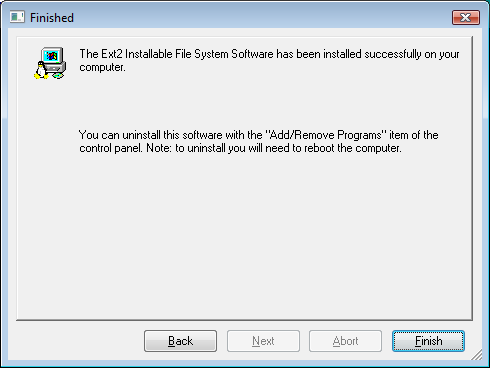
- Run Setup and follow the installation wizards.
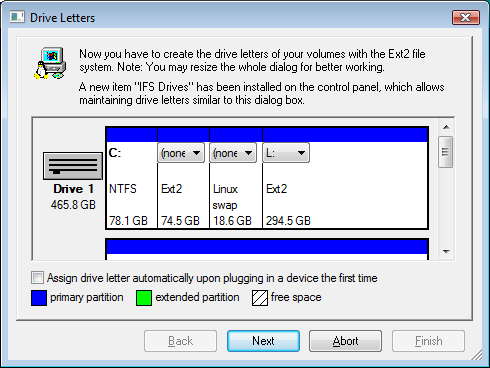
- In the Drive Letters Wizard, select the Linux partition and assign a drive letter. I used L:.
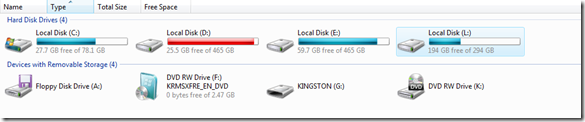
Drive L:\ is now mounted with read/write access from Windows Vista SP1 x64.