Windows Server 2008: NTLDR is missing
A couple of days ago, I imported one of my VMs into an ESX server. The VM had been created with VMware Workstation and had worked correctly before. After VMware Converter finished, I booted the machine. The boot process failed with this message:
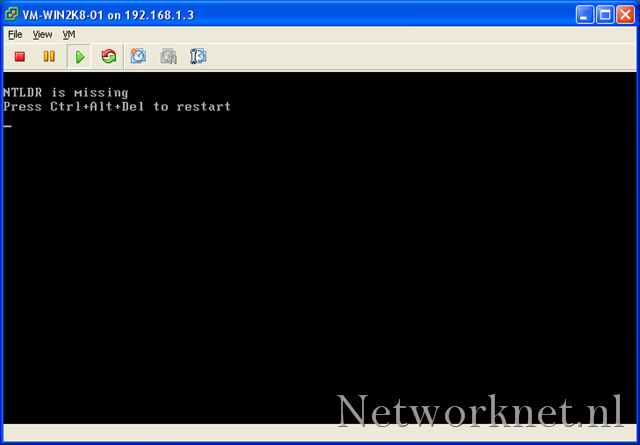
My NTLDR boot record was missing, or something had gone wrong during the import. I mounted the Windows Server 2008 DVD and booted from it.
Repair the boot process
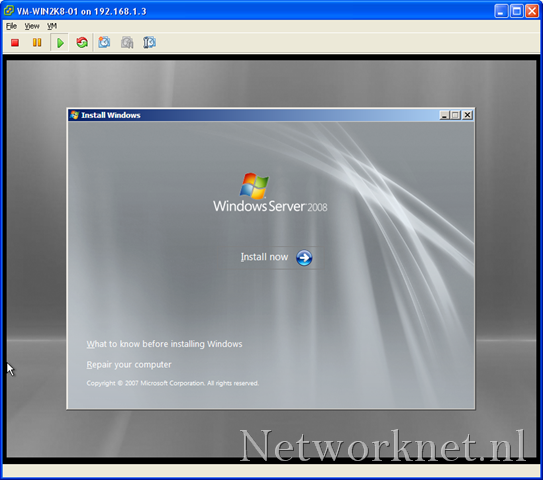
Click “Repair your computer”.
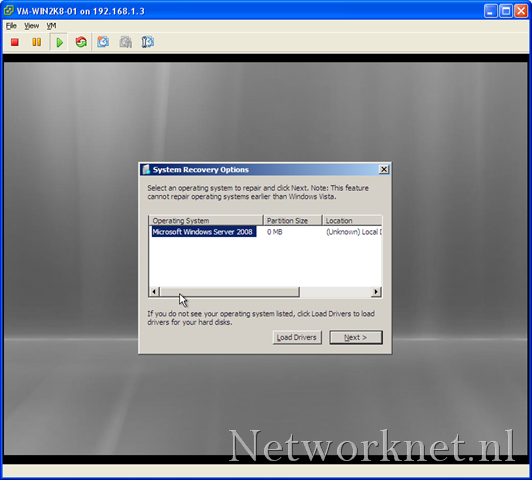
Make sure “System Recovery Options” finds an operating system, then click Next.
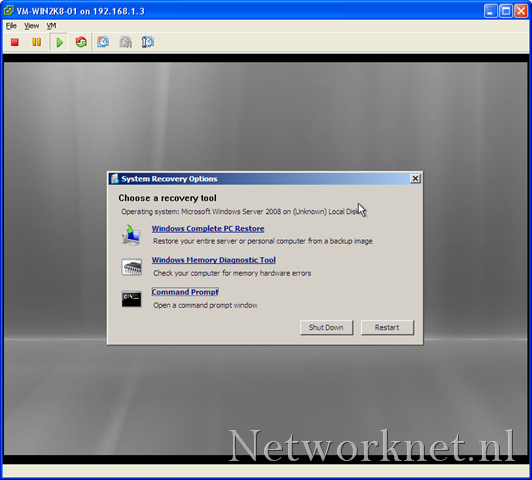
When the system recovery tool starts, click “Command Prompt”.
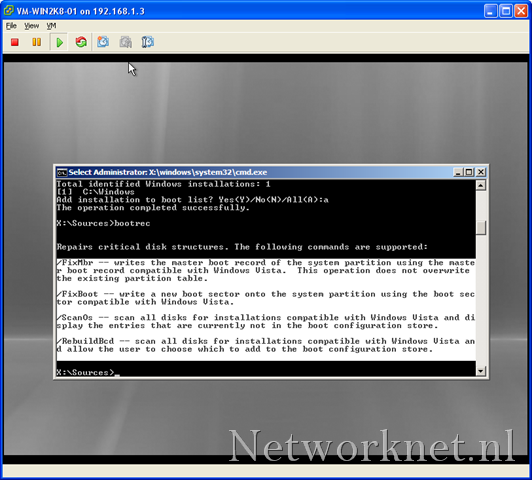
Windows Server 2008 Setup includes some new tools. They may also have been included with Windows Vista, but I’m not sure. We will use bootrec.exe.
Run the following commands:
| |
Close “Command Prompt” and click Restart.
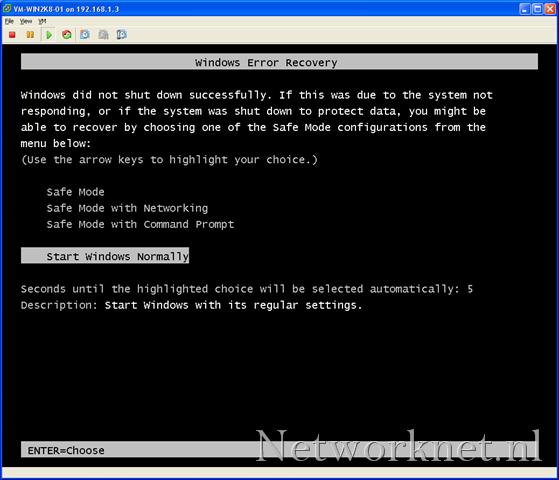
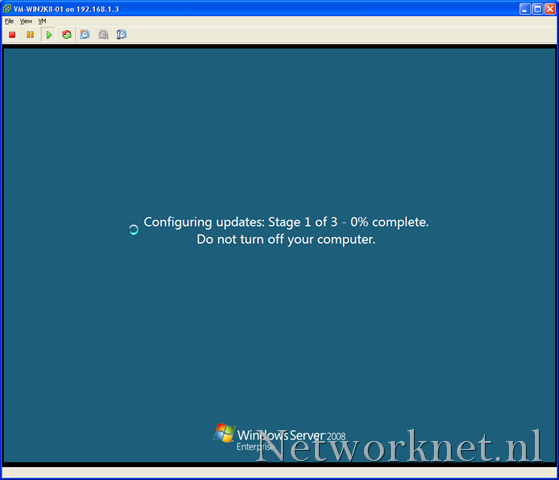
Windows Server 2008 now booted, and I was able to log in. After changing the network settings, I rebooted successfully.
Related link
12 comments
Comments from the original WordPress site, kept read-only.
One more step might be needed. When you try to boot after the above instructions are followed, you may get the "missing bootmgr" message. bootmgr is a file and there should be a copy in the c:\windows directory. While in repair at the command line, find it and copy it to c:\, then reboot.
While in repair at the cmd prompt, type this
dir /a c:\
to get a list of all files (hidden and otherwise)
If "bootmgr" is not there, find it this way:
dir /s c:\bootmgr
Made the mistake of installing 2008 Std x86 from a copy of the DVD written to an XP x64 directory (DVD reader wouldn't boot) onto a separate disk (0) that I wanted to boot from. Started the install from XP. Well, all the boot info is written to the current boot disk (1) so when it was removed, no boot for disk (0)!
You may also want to
bcdedit.exe /enum all >\bcd-enum.txt
notepad bcd-enum.txt
to make sure where the boot system expects bootmgr to be located. Put it there, normally c:\bootmgr from repair although it could be any drvie letter outside of repair.
I think this will help:http://www.windowsrecoverys.com
tnx:-)
Please, before try to repair your Windows Server, check if your external USB hard disk is turned on.
I have this problem with a HP Proliant ML 150 server and after one hour trying to copy bootmgr, I noticed that the USB was connected and the server was trying to boot from it.
Tanks anyway for your help.
Thanks for this post. It has just saved my bacon.
Restored Server 2008r2 from a macrium reflect backup and had no ntldr.
Step bt step on your post solved it first time.
thank you sir
You sir are a genius, thanks to this post and Dude0000 my server is up and running again.
Hi Dan,
You are welcome.
Thanks! Worked like a charm!
Much appreciated!
How to determine whether my os )win2k8r2) is infected with boot sector virus ?
By checking sizes of Ntldr,Hall.dll,ntos or any other files ?
Thank You!!!
Thank you so much guys! Its working