
VMware ESX: Blue screen during Windows XP installation
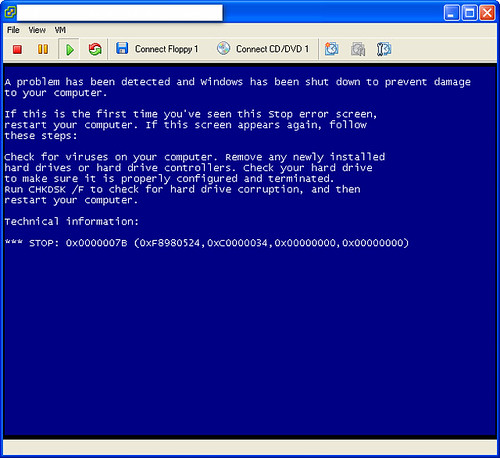
Installing Windows XP in a virtual machine on a VMware ESX host will bring setup to a halt with the blue-screen error shown below:
A problem has been detected and Windows has been shut down to prevent damage on your computer. *** STOP: 0x0000007B (0xF8980524, 0xC0000034, 0x00000000, 0x00000000
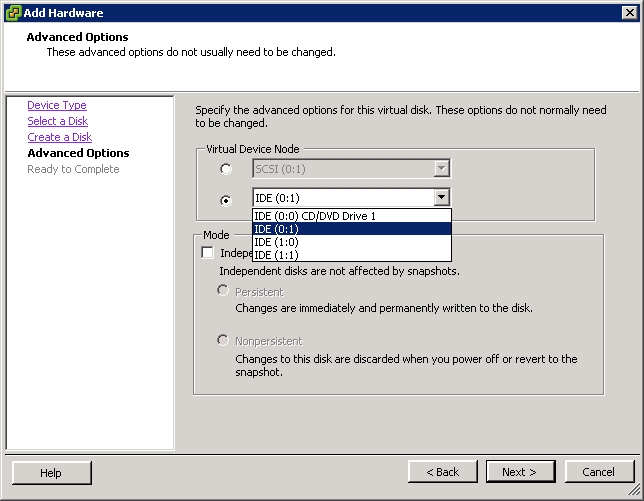
Download the SCSI LSI Logic driver. Restart setup, press F6 and load the SCSI drivers. The latest versions of VMware ESX/ESXi allow you to add IDE devices and complete a normal installation without the SCSI driver.
References
1 comment
Comments from the original WordPress site, kept read-only.
Thank you for posting this, it helped me get through. I was stuck in the installation of Windows XP because the default type of disk ESXi 6 is setting up is SCSI.