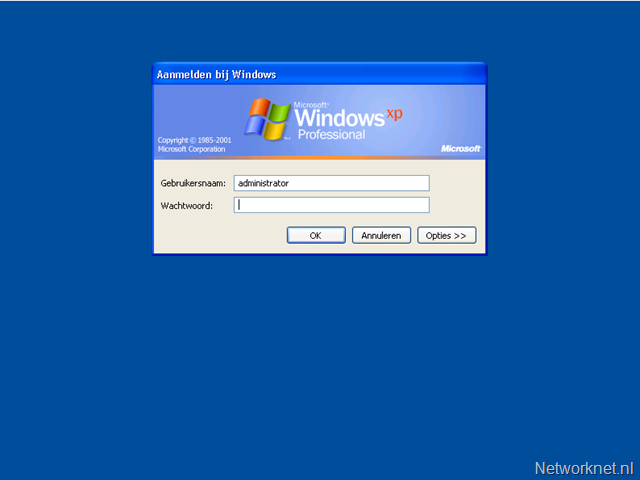
Windows: Disable branded logon wallpaper
An OEM Windows installation often has wallpaper set for console or Remote Desktop logons. I find this annoying in an RDP session because the wallpaper bitmap is slow to render over an internet connection or WAN.
I prefer to disable it.
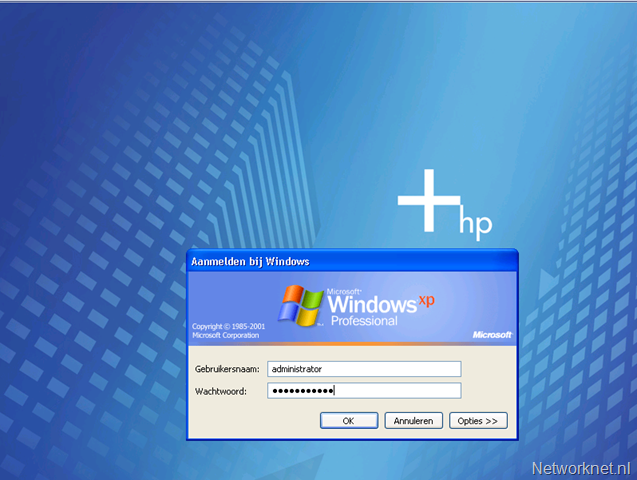
An example of the branded wallpaper:
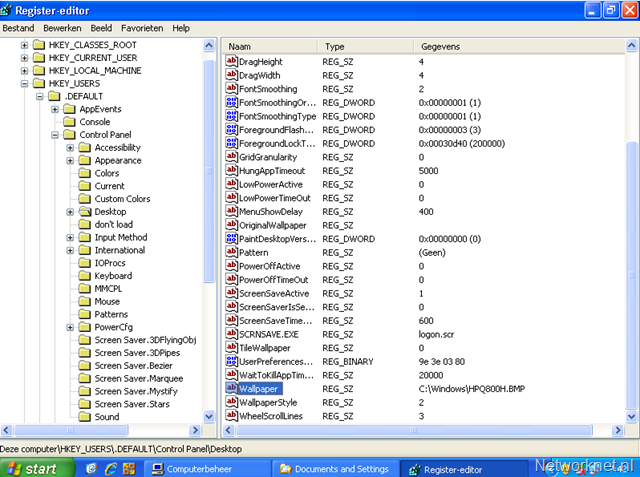
Open RegEdit, navigate to HKEY_USERS\.DEFAULT\Control Panel\Desktop and check the Wallpaper entry. To disable the wallpaper, delete this entry or use the following command:
reg delete "HKEY_USERS\.DEFAULT\Control Panel\Desktop" /v Wallpaper /f
Dell servers with OEM installations also have a large wallpaper bitmap. The command above disables it.