
Calculate subnet boundaries locally with ipcalc
How I use ipcalc in the terminal to check IPv4 subnet boundaries and host ranges without submitting network details to an online calculator.
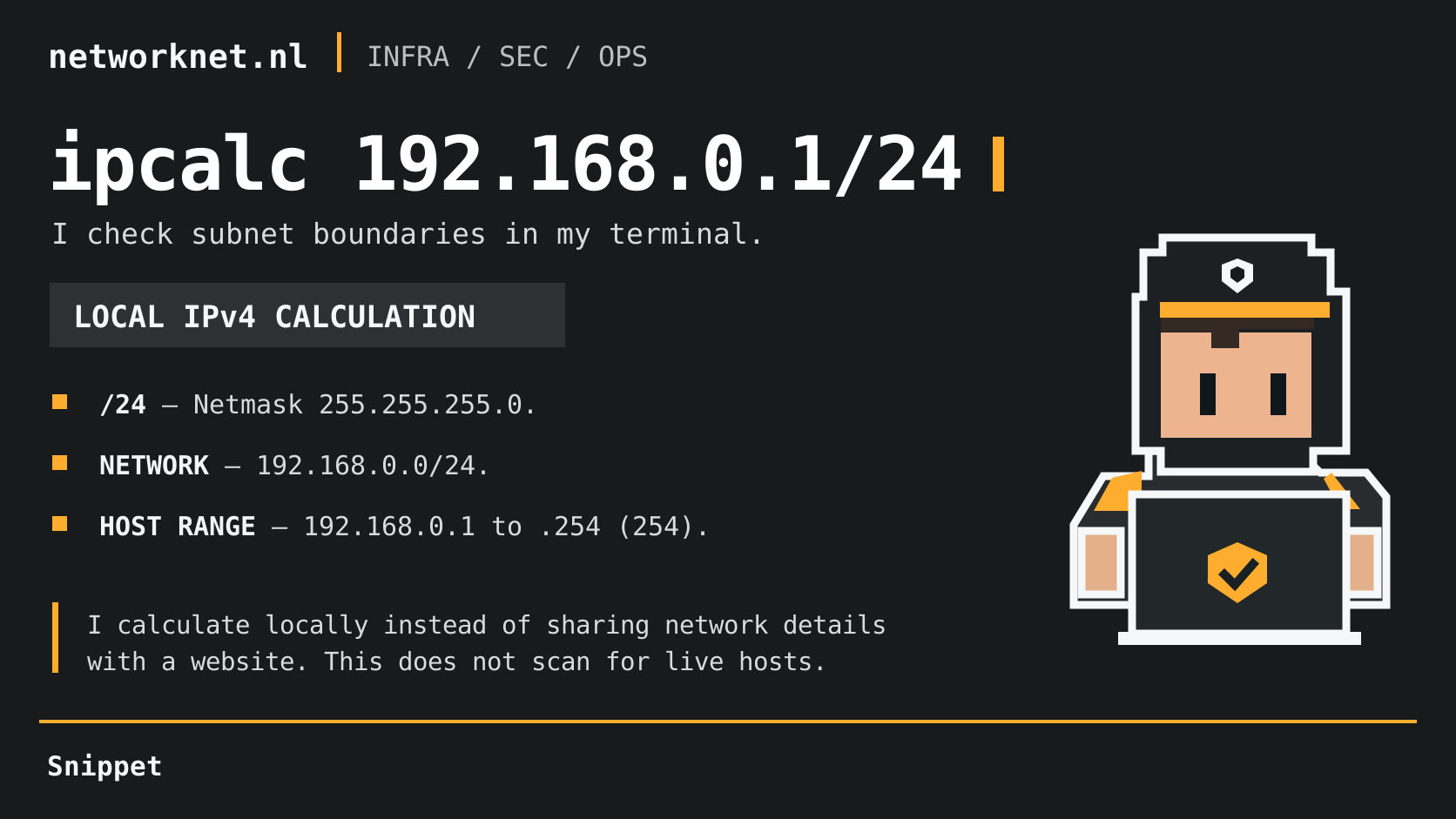
Command and infographic terms
- /24
- IPv4 prefix length of 24 bits, equivalent to netmask 255.255.255.0.
- NETWORK
- The calculated network is 192.168.0.0/24 for this example.
- HOST RANGE
- 192.168.0.1 through 192.168.0.254: 254 conventional host addresses in this /24, excluding network and broadcast.
I often use ipcalc in the terminal to check a subnet and its address space. It gives me a quick local calculation without entering details of the network I am working in into a public website.
ipcalc 192.168.0.1/24
This example uses Krischan Jodies’ ipcalc . It calculates the subnet boundaries and host range from the supplied address and prefix. The host count describes the address space; it does not show how many devices are connected or which addresses are available.
The numeric calculation runs locally. Shell history and terminal logs can still retain the address, and output or options may differ between ipcalc implementations.