Command-line memory snippet
Listen on TCP/443 with netcat
How I used a Linux netcat listener on TCP/443 to test remote connectivity and validate a ZTNA policy.
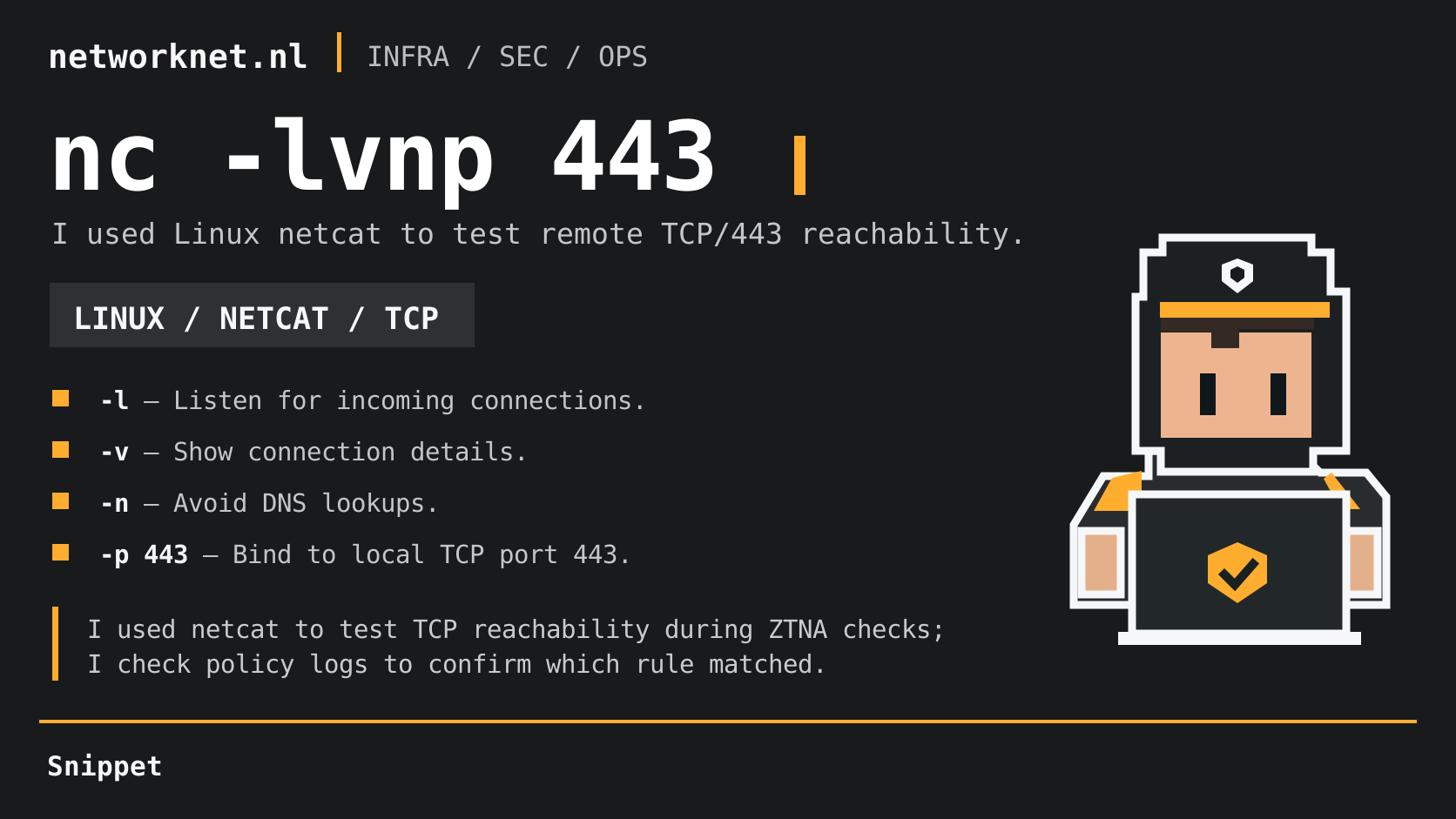
During ZTNA testing, I needed to confirm whether a remote connection actually reached TCP/443 on a Linux test host. I used a temporary netcat listener instead of deploying an application:
nc -lvnp 443
The flags I used were:
-l: listen for incoming connections.-v: show connection details.-n: skip DNS lookups.-p 443: bind to local TCP port 443 on implementations that support this syntax.
How I validated the test
I started the listener on the Linux destination and tested access from a remote client. When the connection appeared in nc, I could verify that traffic reached the test port. To confirm which ZTNA policy matched, I also needed the policy logs; netcat itself cannot identify the rule.
This was a TCP connectivity check, not an HTTPS/TLS test, even though I used port 443. Binding a privileged port on Linux may require elevated permissions or a suitable capability. Netcat flags vary between implementations; if -p is unsupported in listen mode, I check nc -h and try nc -lvn 443 where appropriate.
I stop the temporary listener when testing is complete.