Command-line memory snippet
Check TCP/443 reachability with netcat
How I use netcat from Linux VMs or Kubernetes pods to check TCP connectivity and correlate the result with firewall events and packet captures.
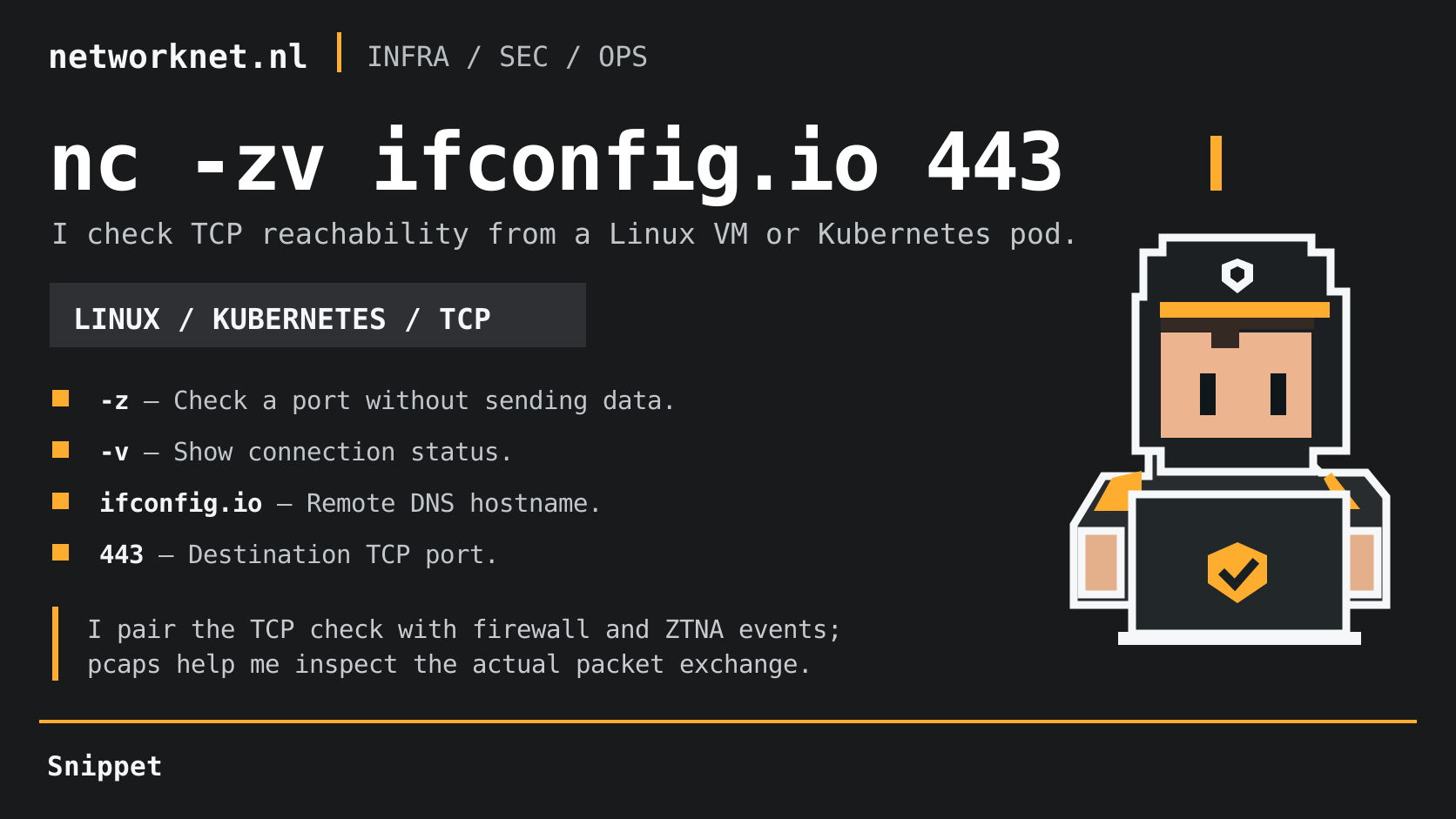
Command and infographic terms
- -z
- Check a TCP port without sending application data.
- -v
- Show verbose connection status.
- ifconfig.io
- The destination hostname resolved by DNS.
- 443
- The destination TCP port.
When I troubleshoot routing or firewall access, I start with a quick TCP check from the Linux VM or Kubernetes pod that needs connectivity:
nc -zv ifconfig.io 443
In my example, netcat reported succeeded! for TCP/443. That confirms a TCP connection to the resolved address for ifconfig.io from the tested client at that moment. It does not prove which route was taken, which firewall or ZTNA rule matched, or whether HTTPS/TLS works.
When netcat is installed in a Kubernetes container, I can run the same check in that pod’s network context:
kubectl exec -n "$NAMESPACE" "$POD" -- nc -zv ifconfig.io 443
I then correlate the source, destination, port and timestamp with firewall or ZTNA network events. A packet capture (pcap) helps me inspect the TCP SYN and SYN/ACK exchange; the security logs are what I use to establish a policy match. I also account for DNS resolution and NAT when comparing addresses across those records.