Command-line memory snippet
Discover your public egress IP
How I use curl over IPv4 and IPv6 to check the public address visible to a service through NAT, proxies or VPNs.
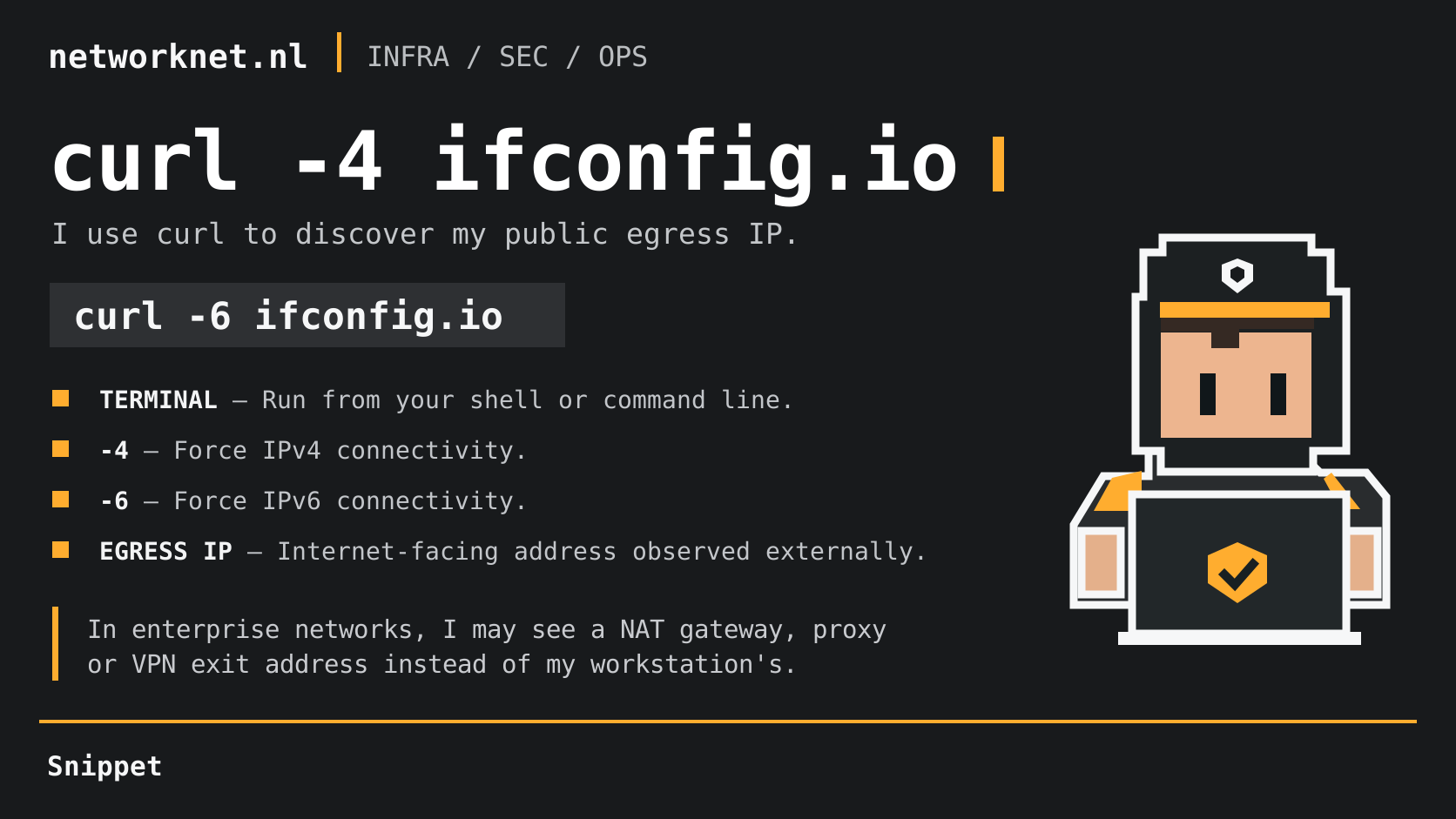
When I troubleshoot connectivity in enterprise networks, I want to know which public address an external service sees. I run this command from my terminal:
curl -4 ifconfig.io
When I need to check IPv6 egress, I use:
curl -6 ifconfig.io
The -4 and -6 flags select the connection address family. They do not modify the response.
Why I use it
My outbound traffic may pass through NAT gateways, HTTP proxies, VPNs or other security appliances. The address returned by ifconfig.io is the public IP seen by that service, which may differ from my workstation’s address. If curl uses an HTTP proxy, I may see the proxy’s address.
I compare the result across network segments, VPN sessions and proxy configurations to understand where my traffic exits. It is useful evidence about the egress point, not a complete network route.