
 Hi there! Welcome to my blog. My name is Ivan. I am a Dutch IT Professional working as Principal IT Consultant.
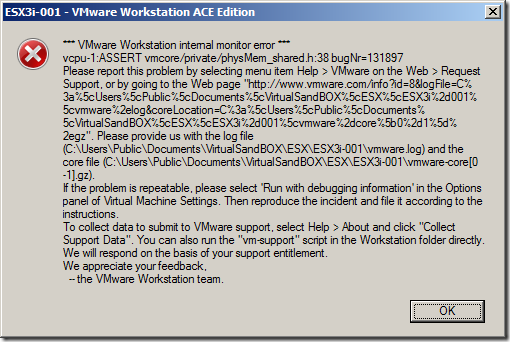
 In this tutorial I want to walk you through the installation of ESX3i server. For this I am using VMWare Workstation 6 installed on my Lenovo notebook. Create new "Red Hat Linux" virtual machine based on LSI Logic SCSI controller. Check this tutorial for more details. Please be aware that starting virtual guest machines will end in a ESX crash within the VMWare workstation.
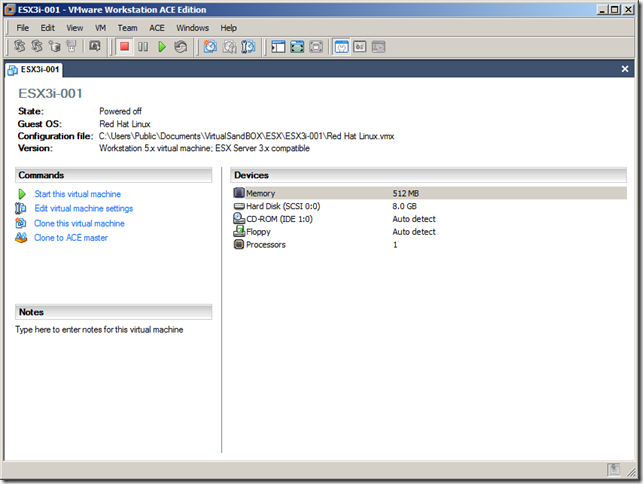
Open the vmx file and add the required configuration as shown below.
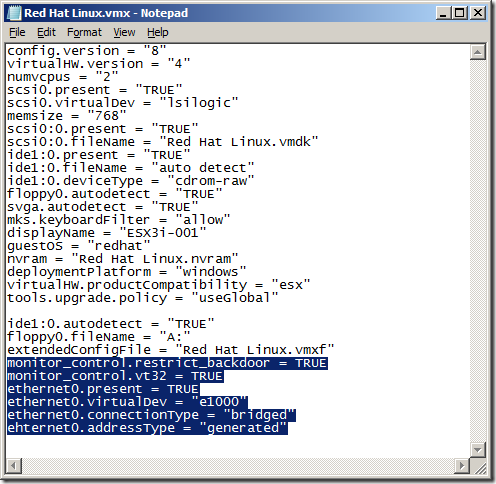
monitor_control.restrict_backdoor = TRUE
monitor_control.vt32 = TRUE
ethernet0.present = TRUE
ethernet0.virtualDev = "e1000"
ethernet0.connectionType = "bridged"
ehternet0.addressType = "generated"
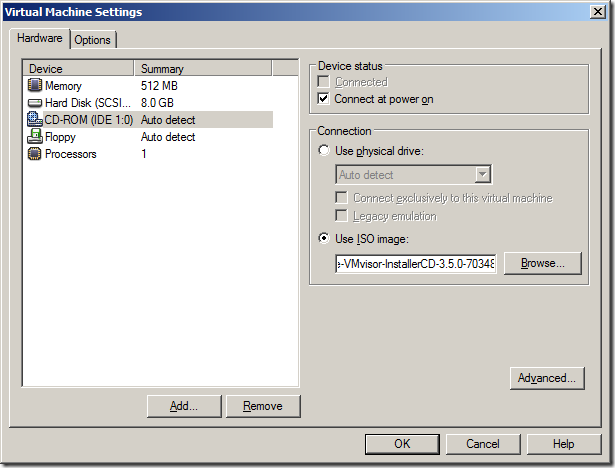
Save the file and locate and assign the ESX3i ISO file.
Start the virtual guest machine.
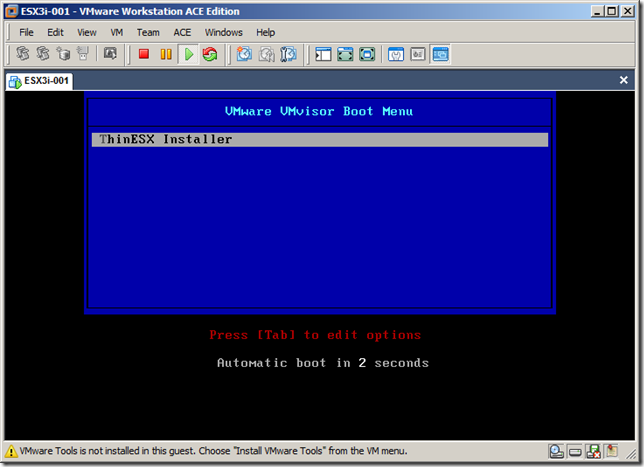
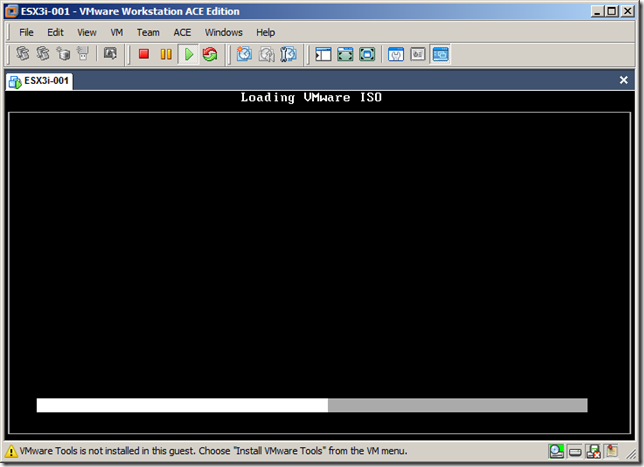
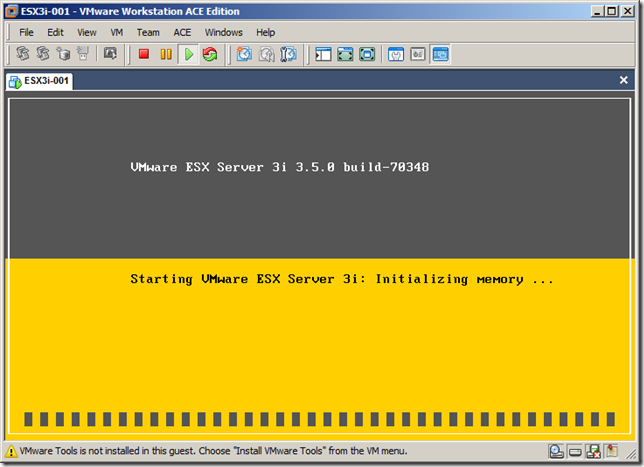
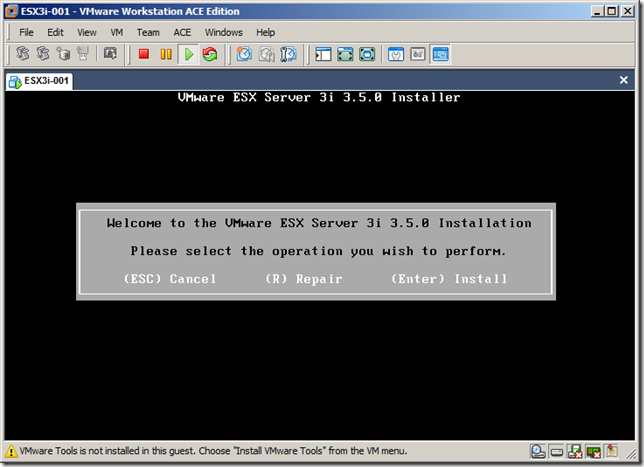
Press Enter
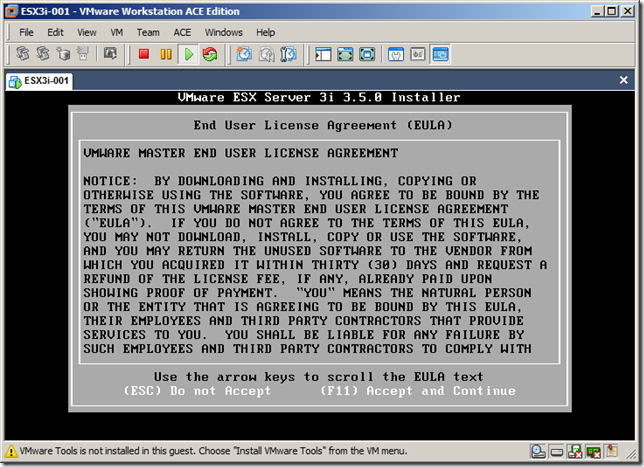
Accept the EULA and press F11
Press Enter
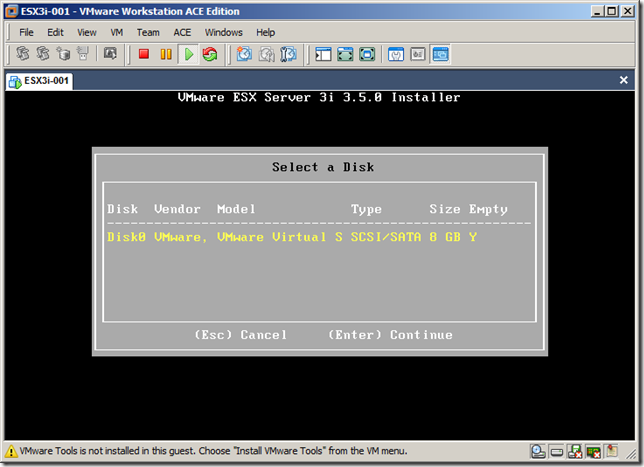
Press F11 for the installation
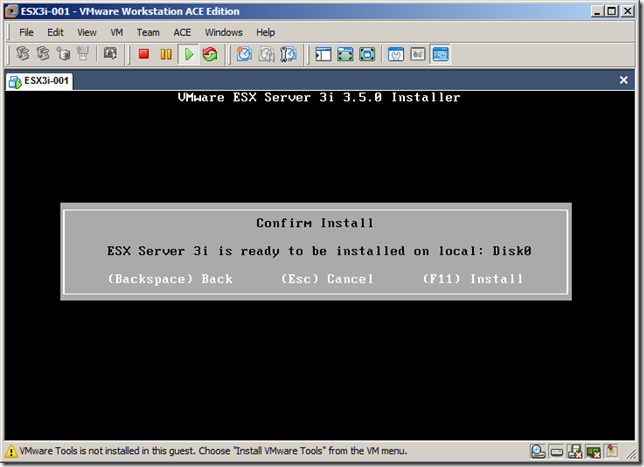
Press Enter
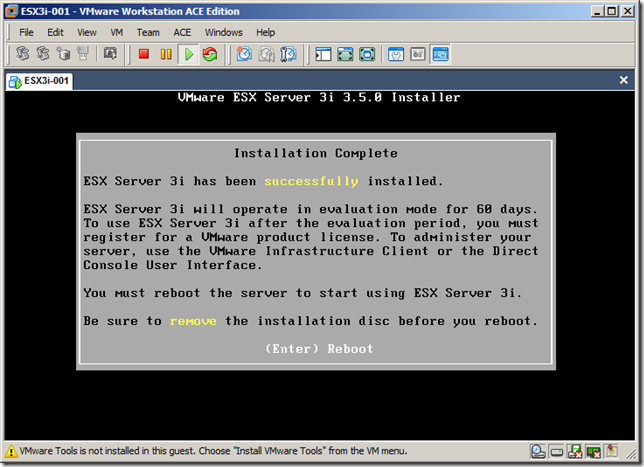
ESX3i is booting
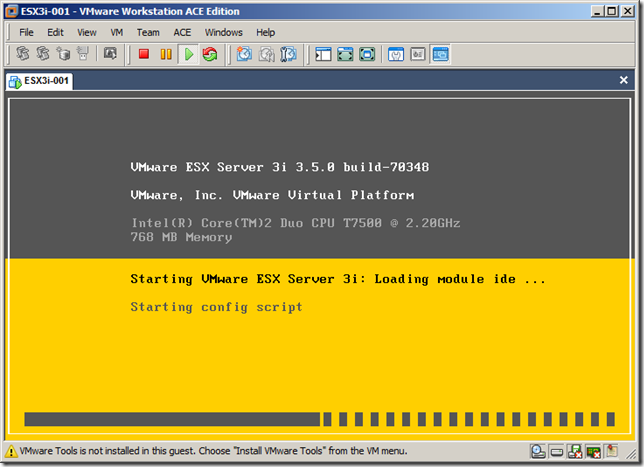
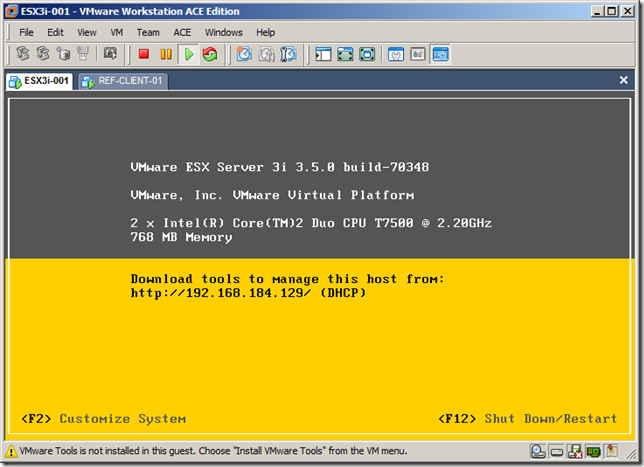
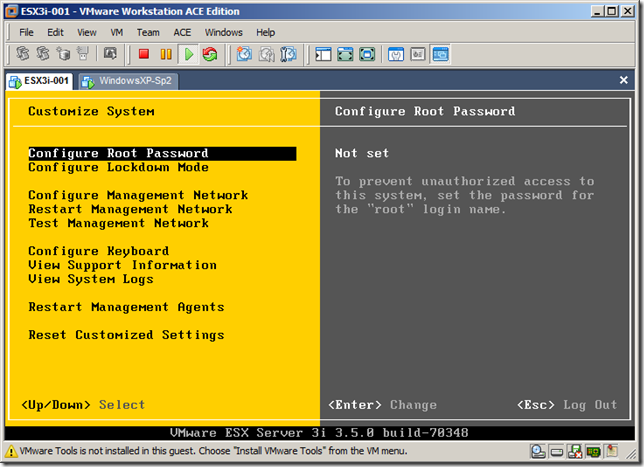
Press F2 and configure the Root password
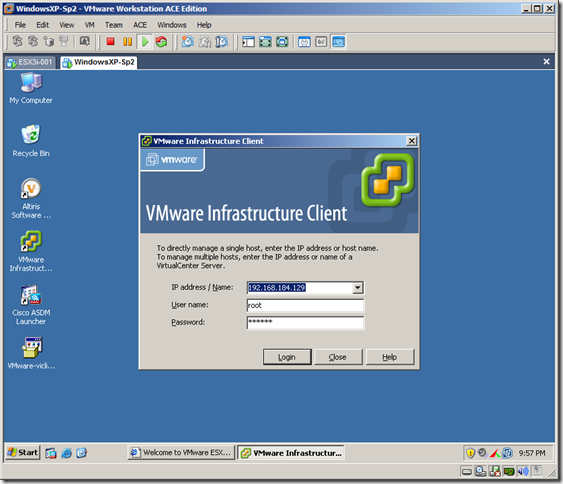
I installed VMWare Infrastructure Client and made the connection to my ESX3i server.
Changed the hostname and DNS. I created new Windows XP guest.
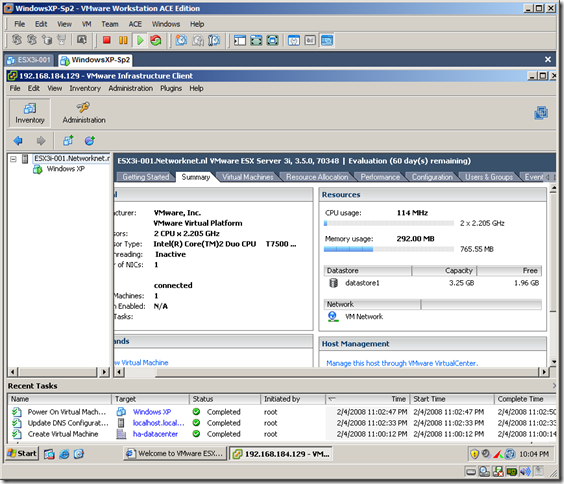
After I start the virtual machine the ESX crashed. There is no solution with the current VMWare Workstation 6 edition until now to resolve this issue.


Leave a comment